Physical Address
304 North Cardinal St.
Dorchester Center, MA 02124
Physical Address
304 North Cardinal St.
Dorchester Center, MA 02124

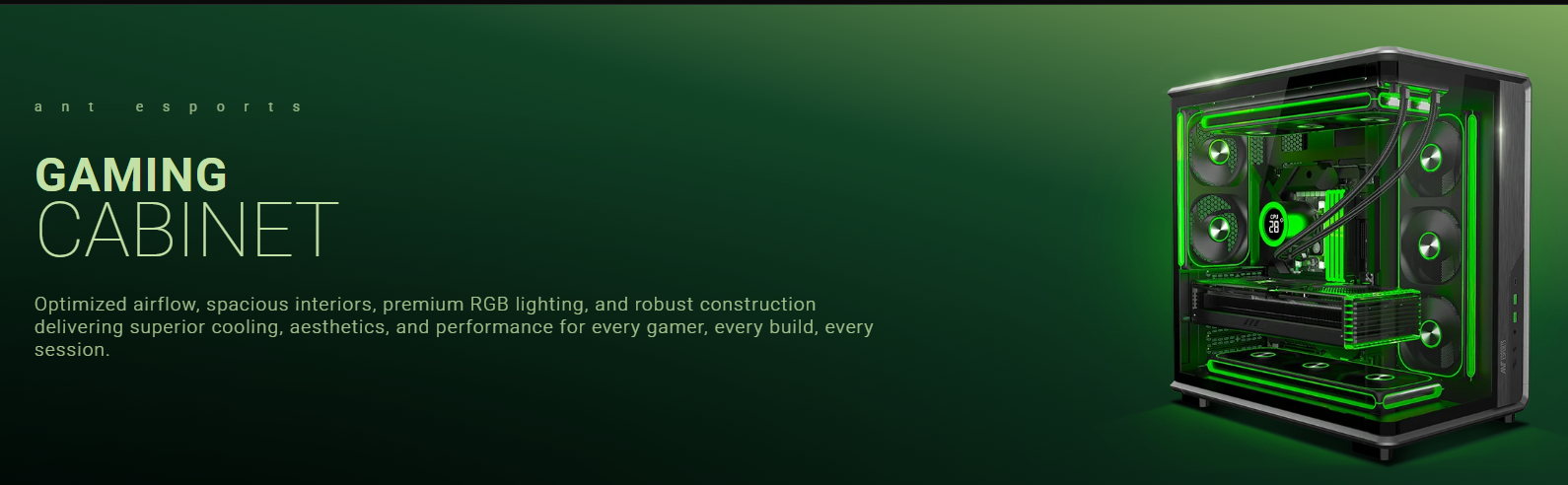
A gaming cabinet is more than just a box that holds your PC components. It affects cooling, cable management, upgrade options, and even how easy it is to build or maintain your system. Whether you’re assembling your first gaming PC or replacing an older case, choosing the right cabinet can make a noticeable difference in performance and convenience.
Here are seven essential features to look for before buying a gaming cabinet.
Good airflow is one of the most important features of any gaming cabinet. Cases with mesh front panels generally allow more fresh air to reach internal components than fully closed designs. Better airflow can help keep the CPU and GPU cooler, especially during long gaming sessions.
Look for cabinets with multiple fan mounting points to improve overall ventilation.
Not every cabinet fits every motherboard. Before purchasing, check whether the case supports your motherboard form factor.
Common options include:
Choosing the correct size ensures proper installation and leaves enough space for other components.
Modern graphics cards have become larger over the years. Some high-performance GPUs require significant clearance inside the cabinet.
Before buying, compare your graphics card length with the cabinet’s maximum GPU clearance. This simple check can prevent installation issues later.
A well-designed gaming cabinet should include cable routing holes and enough space behind the motherboard tray.
Good cable management offers several benefits:
Even beginners will appreciate a case that makes cable organization easier.
Air cooling works well for many systems, while some users prefer liquid cooling. A versatile cabinet should support different cooling options.
Check for compatibility with:
Having multiple cooling options gives you greater flexibility for future upgrades.
Dust naturally builds up inside every PC. Over time, it can block airflow and increase cleaning requirements.
Removable dust filters on the front, top, and bottom of the cabinet help reduce dust accumulation while making routine cleaning much easier.
This small feature can improve long-term maintenance.
Front I/O ports are easy to overlook until you need them every day. A practical gaming cabinet should include accessible ports on the front or top panel.
Useful options include:
Convenient port placement improves everyday usability, especially if your PC sits under a desk.

When choosing a gaming cabinet, avoid these common mistakes:
A little planning can save both time and money later.
The right gaming cabinet combines compatibility, airflow, cooling support, and practical design features. Instead of focusing only on RGB lighting or exterior looks, prioritize features that improve performance, maintenance, and upgrade flexibility. By checking these seven essentials before you buy, you’ll be better prepared to choose a cabinet that supports your gaming setup for years to come.