Physical Address
304 North Cardinal St.
Dorchester Center, MA 02124
Physical Address
304 North Cardinal St.
Dorchester Center, MA 02124

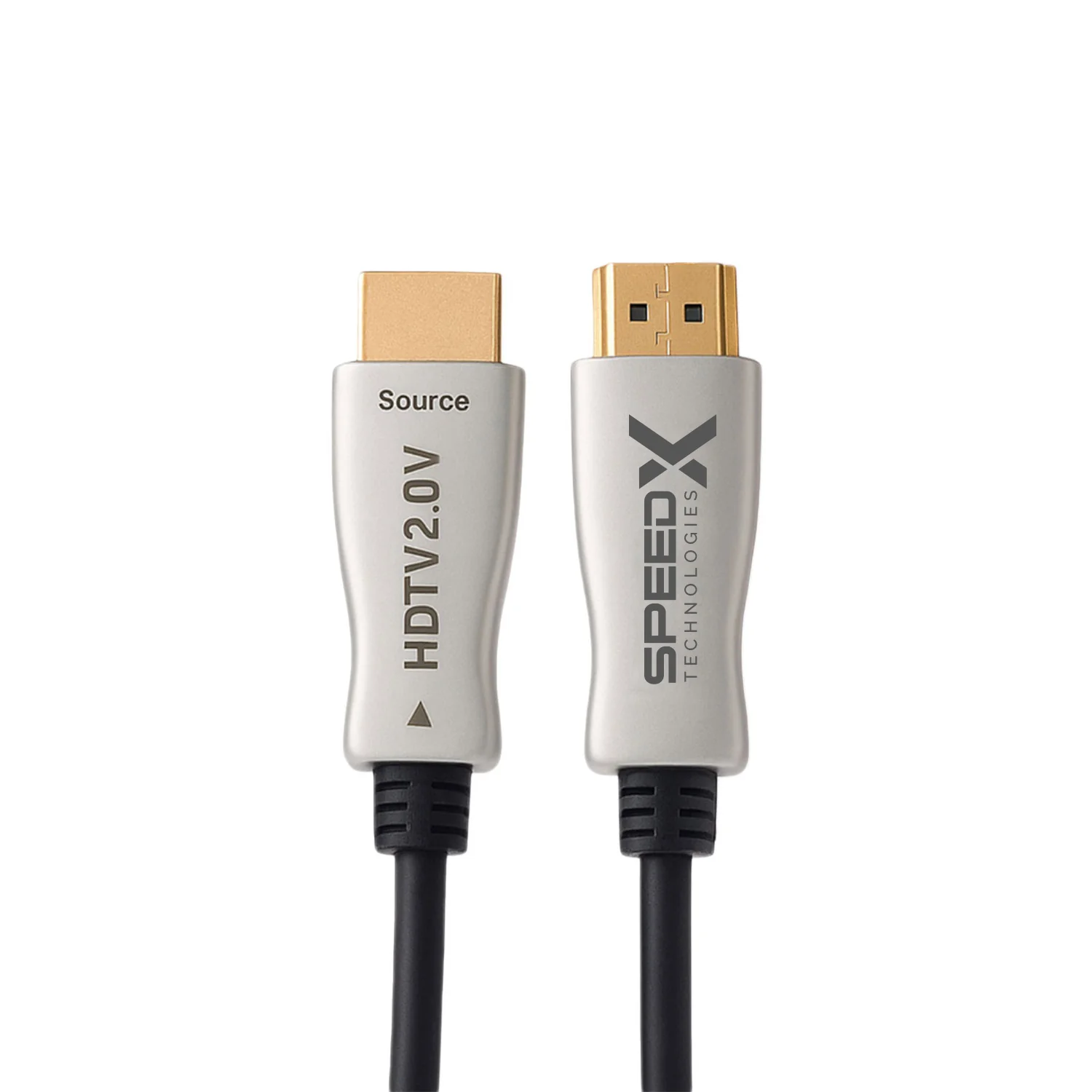
Choosing the right HDMI cables for gaming monitors can help you enjoy smooth gameplay, clear visuals, and reliable connections between your gaming devices and display. Whether you play on a gaming PC, PlayStation, Xbox, or another compatible device, selecting a suitable HDMI cable is important for getting the best performance from your monitor.
With different cable types, resolutions, and refresh rates available, understanding the key features can help you choose the right cable for your gaming setup.
HDMI cables transmit digital video and audio signals between compatible devices. For gaming, the right cable can support the resolution, refresh rate, and visual features offered by your monitor and gaming system.
However, the cable alone cannot increase your gaming performance beyond the capabilities of your hardware. Your graphics card or console, monitor, and cable must all support the desired settings.
Different gaming monitors require different levels of bandwidth depending on their resolution and refresh rate.
The official HDMI cable guide explains the different cable categories and their supported capabilities. Source: HDMI Licensing Administrator
For modern gaming systems, HDMI connections supporting advanced gaming features can improve the overall experience when the connected devices are compatible.
Important features include:
Variable Refresh Rate (VRR): VRR helps synchronize the display’s refresh rate with the output of the gaming device, reducing screen tearing and stuttering in supported configurations.
Auto Low Latency Mode (ALLM): This feature allows compatible devices to automatically switch to a low-latency display mode.
High refresh rates: Suitable HDMI connections can support high frame rates, depending on the cable’s capabilities and the specifications of the connected devices.
For compatible systems requiring up to 48Gbps bandwidth, certified Ultra High Speed HDMI cables are designed to support demanding formats such as 4K at 120Hz. Source: HDMI specifications
When connecting a gaming PC to a monitor, check which ports are available on both devices. Some gaming monitors support higher refresh rates or specific display features through DisplayPort rather than HDMI.
For PlayStation and Xbox consoles, choose an HDMI cable that supports the console’s output and your monitor’s capabilities. A compatible cable can help you use supported resolutions, refresh rates, and HDR features.
Always check your device manuals to confirm which connection provides the features you want.
Before purchasing HDMI cables for gaming monitors, consider these factors:
Avoid paying extra for marketing claims alone. Gold-plated connectors, braided jackets, and other cosmetic features do not automatically improve gaming performance.
Choosing the right HDMI cables for gaming monitors helps ensure a reliable connection and supports the visual performance your gaming equipment is designed to deliver. Consider your monitor’s resolution, refresh rate, bandwidth requirements, and available ports before purchasing. By selecting a suitable, properly certified cable and checking device compatibility, you can build a dependable gaming setup for enjoyable gameplay.




