Physical Address
304 North Cardinal St.
Dorchester Center, MA 02124
Physical Address
304 North Cardinal St.
Dorchester Center, MA 02124

Mobile users have become accustomed to getting information quickly. They open a website to check a product, scan a code to access details, or tap a link to explore something that has caught their attention. In these situations, people generally expect the next step to happen without unnecessary delays. When an experience takes too long to load or requires complicated instructions, their interest can fade before they discover its value. This expectation becomes particularly important when augmented reality enters the picture.
Mobile augmented reality gives people an opportunity to interact with digital content through compatible devices, connecting virtual objects with their view of the physical world. It can help customers examine products, explore visual concepts, and understand how certain objects might fit into their surroundings. However, the quality of the experience depends on more than the visual result. Customers must first be able to reach it easily.
Fast access is therefore an important part of successful mobile AR. A well-designed experience should minimize unnecessary waiting, explain what users need to do, and make the transition from an ordinary webpage to an interactive environment feel natural. When these elements work together, people can concentrate on the content instead of figuring out how to access it.
The mobile environment creates a particular set of expectations. People often use their phones while shopping in a store, browsing products during a break, comparing options with friends, or responding to something they have just seen online. Their attention may be divided between several activities, and they may have only a short period available to explore a particular product.
A slow-loading experience can interrupt this moment. A customer who wants to inspect a chair through AR might abandon the attempt if the model takes too long to appear. Someone scanning a product package could lose interest if the destination page contains several unnecessary steps before displaying the relevant information.
The problem is not simply that waiting feels inconvenient. Delays can make people question whether a feature is working properly, whether their device supports it, or whether continuing is worth the effort. Confusing loading indicators and unclear instructions can increase that uncertainty.
This is why speed should be considered from the user’s perspective rather than measured exclusively through technical benchmarks. A page might technically load within an acceptable period while still making people wait unnecessarily before they can interact with the content. Effective mobile AR removes avoidable friction from the entire journey, including the steps that occur before and after the main experience begins.
The way people enter an AR experience can influence whether they use it at all. If a customer encounters an interesting product online, the transition into an interactive presentation should require as little effort as reasonably possible.
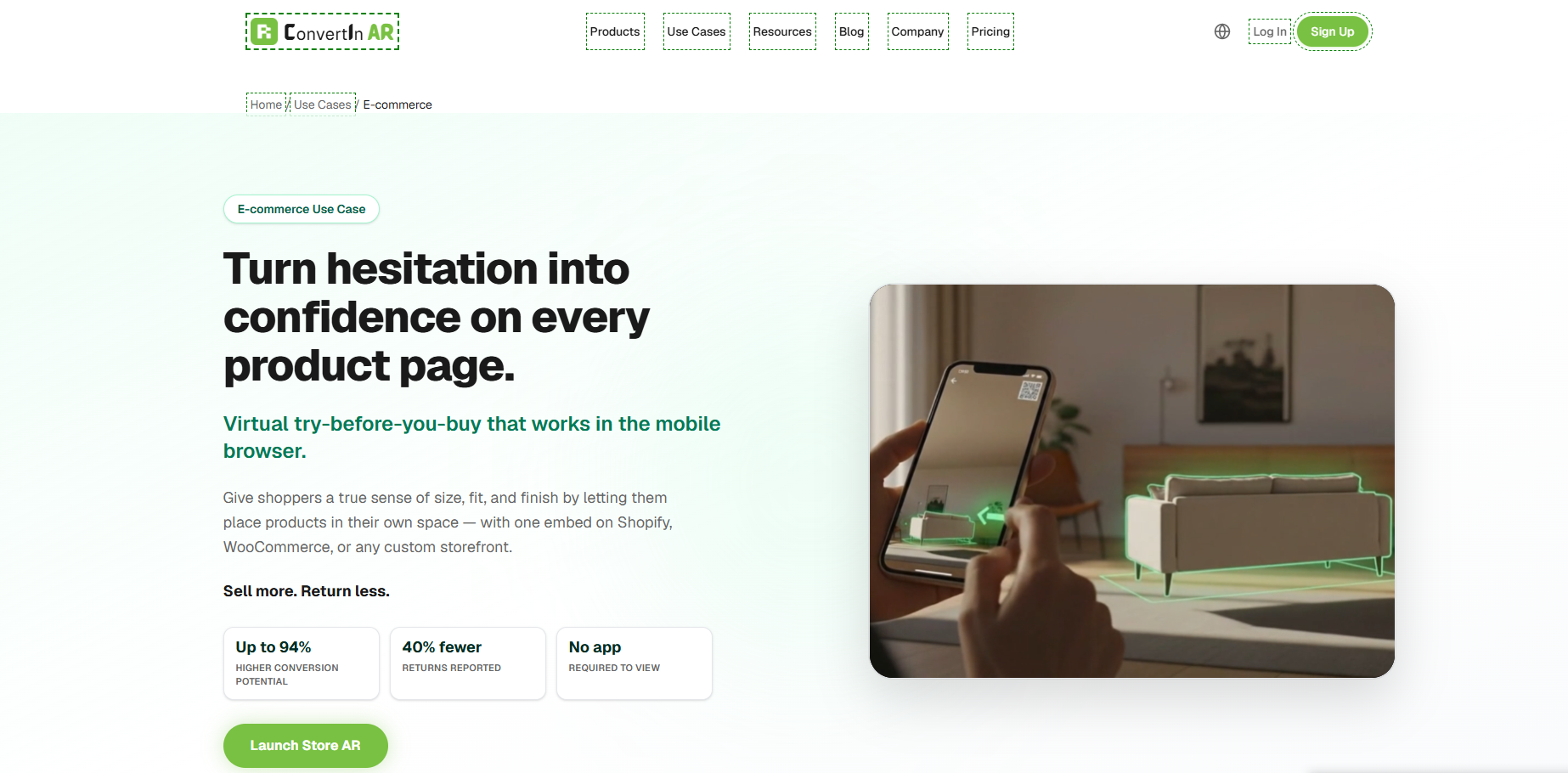
Browser-based augmented reality can support this goal by allowing compatible experiences to open through a web link rather than requiring users to install a separate application. Depending on the platform, device, and experience, customers may be able to move from a product page to an AR view using a straightforward action.
This approach can be especially useful for retailers, event organizers, and marketing teams that want to connect physical and digital interactions. A customer might access an experience from a printed advertisement, a product label, a store display, or a digital campaign. In each situation, a simple entry point makes it easier to act on curiosity immediately.
Nevertheless, eliminating an application download does not automatically make an experience fast. A browser-based AR page can still suffer from large files, complicated navigation, or inefficient loading behavior. The complete journey must be designed carefully, from the initial tap to the moment the digital content becomes usable.
Convenience comes from reducing the distance between interest and interaction. When customers can reach the intended experience without unnecessary obstacles, the technology becomes more practical for everyday use.
Speed begins long before a customer opens an AR link. The preparation and organization of digital assets can have a substantial effect on how smoothly an experience loads. High-resolution textures, detailed models, complex scenes, and unnecessary visual elements may increase the amount of data a device needs to process.
Businesses should consider the purpose of each asset before deciding how much detail it requires. A model intended for close inspection may need different levels of complexity from an object shown briefly within a promotional experience. Matching asset quality to the intended use can help preserve visual clarity without placing unnecessary demands on the device.
Asset optimization involves more than reducing file size. Models should have suitable geometry, textures should be prepared efficiently, and redundant elements should be removed where they do not contribute to the experience. Developers and content teams can also consider loading essential elements first so that users receive useful feedback while additional components become available.
Automation may assist with parts of this preparation process. A text to augmented reality workflow, where supported, can help teams develop experience concepts from written instructions and reduce some early-stage content creation effort. It may be useful for planning interactive demonstrations or exploring ways to communicate a product idea.
However, automated generation should not be confused with automatic performance optimization. Any resulting content still needs to be reviewed, tested, and prepared for its intended platform. Efficient assets emerge from a workflow that considers both the creative objective and the technical conditions under which customers will experience the result.
Three-dimensional assets make many mobile AR experiences possible, but their complexity can influence how quickly they become available. A highly detailed model may look impressive on a powerful computer while loading slowly or behaving inconsistently on an older smartphone. The challenge is to deliver enough visual information to make the experience useful without overwhelming the device.
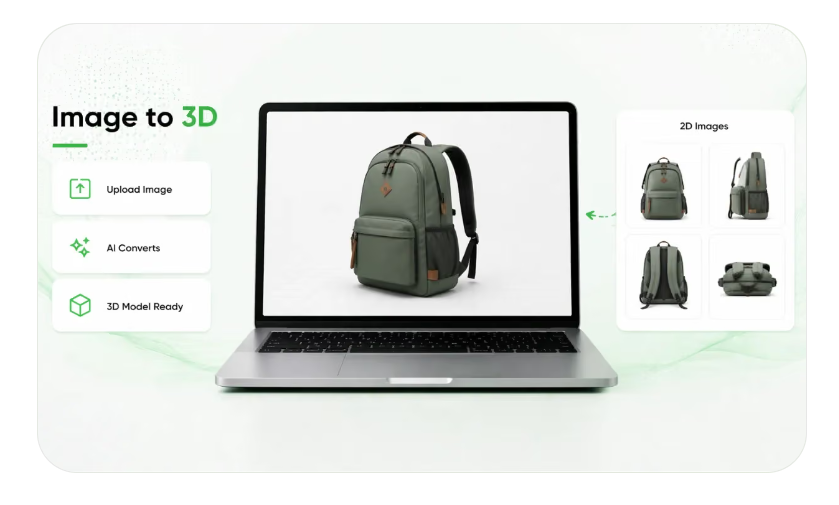
A Text to 3D workflow can help create initial three-dimensional concepts from written descriptions when the selected tool supports that capability. This can be useful when a business needs to explore a visual idea, develop a prototype, or prepare a starting point for further content production. The resulting asset may still require editing and optimization before it is appropriate for mobile AR.
The required level of detail depends on the task. A decorative object may need convincing proportions and a recognizable surface appearance, while a product demonstration could require more precise representation of individual components. The asset should serve the customer’s objective rather than maximize complexity for its own sake.
Testing is essential because the same model may behave differently across devices. Teams should check loading time, movement, responsiveness, and visual quality on a representative range of supported smartphones. If an asset creates noticeable delays, reducing unnecessary detail or improving its technical structure may produce a better overall experience than preserving every visual feature.
The strongest approach treats visual quality and performance as connected design decisions. Neither should be sacrificed without considering how the change affects the customer’s ability to understand and interact with the content.
An AR experience is not always accessed through a fast, reliable internet connection. Customers may be using public Wi-Fi, mobile data in a busy shopping center, or a connection that becomes inconsistent while they move between locations. A design that performs well in an office may not deliver the same results in everyday conditions.
Businesses should test their experiences under different network conditions instead of relying exclusively on ideal environments. These tests can reveal whether large assets delay the initial display, whether the interface remains understandable during loading, and whether users receive useful guidance when a connection becomes unstable.
Efficient delivery can make a meaningful difference. Content delivery networks, caching strategies, and appropriate asset compression may help reduce delays, depending on the platform and technical setup. Teams should also avoid requesting files that are not immediately necessary for the user’s current action.
Graceful handling of interruptions is equally important. If the experience cannot load, users should receive a clear message and a practical alternative, such as returning to the product page or viewing conventional product images. An unexplained blank screen creates frustration, while understandable feedback helps people recognize what has happened.
These considerations are particularly relevant to campaigns that begin in physical locations. A person standing beside a store display may not be willing to troubleshoot a digital experience. Reliability under ordinary conditions is therefore part of making mobile AR accessible.
Some AR experiences require camera access to place digital objects within the user’s surroundings. Although this permission is often necessary, requesting it without explanation can make people hesitant. Users may wonder why access is needed or whether the experience will collect information beyond what is required.
Clear communication can reduce this uncertainty. Before requesting permission, an experience should explain the camera’s purpose in simple language. For example, it may need access to help position a digital object in the space visible through the device. The request should appear at an appropriate moment, accompanied by enough information for users to make an informed choice.
Instructions should also be brief and relevant to the task. If users need to move their phones, identify a suitable surface, or adjust the position of an object, the interface should explain these actions without overwhelming them with text.
Permission handling should be designed with care because a refusal should not leave the user trapped in an unusable interface. Where possible, the experience can offer alternative product imagery or descriptive information. This gives customers a way to continue exploring even when they cannot or do not want to activate the camera.
An intuitive interface respects the user’s time and choices. By making requirements understandable, businesses can avoid turning a useful feature into a source of uncertainty.
Fast access matters particularly when AR is expected to support a purchasing decision. Online shoppers often move between product descriptions, photographs, customer reviews, prices, and competing alternatives. If an interactive feature interrupts that process with a lengthy delay, it may become a distraction rather than an advantage.
Consider a shopper comparing two home accessories. The ability to view an item in a room may help clarify its approximate appearance or placement. But if accessing that view requires several minutes of waiting, the customer may decide that ordinary photographs are easier to use.
A responsive experience can encourage exploration because the benefit becomes available while the customer’s interest is still active. This does not mean every interaction must be instantaneous. Some processing is unavoidable, and users can tolerate a reasonable wait when they understand what is happening and believe the result will be worthwhile.
Retailers should therefore assess performance in relation to the task. They can examine how many visitors open an AR feature, how often the content finishes loading, how many users begin interacting, and whether customers return to the product page or proceed to checkout.
These indicators should be interpreted carefully. Increased engagement does not automatically prove higher sales, and a short session does not necessarily mean an experience failed. Combining performance data with customer feedback gives businesses a clearer understanding of whether fast access is improving the shopping journey.
Mobile audiences use a wide range of smartphones with different processing capabilities, screen sizes, memory limits, and supported AR features. A successful experience should account for this diversity instead of assuming that every visitor has the latest device.
Responsive interface design helps controls, instructions, and product information remain usable across different screen dimensions. Technical testing can identify unsupported features and reveal situations in which a simpler presentation would be more appropriate.
Businesses should define the devices and browser environments they intend to support, then test the experience against those requirements. Where a particular AR function is unavailable, the website should provide a suitable alternative rather than leaving customers with a broken interaction.
Consistency also applies to the product itself. The model, written description, and conventional photographs should communicate the same essential information. If the AR presentation uses different proportions or an outdated design, customers may become confused even when the experience loads quickly.
A flexible design allows the interface to adapt to technical limitations without losing its central purpose. The objective is not to deliver identical behavior on every device, but to provide a clear and useful path for as many supported users as possible.
Improving mobile AR requires ongoing observation. Businesses should measure more than the time it takes for a page to appear. They should examine the full sequence of actions, including opening the link, loading the required content, granting permissions, beginning interaction, and returning to the surrounding shopping experience.
This broader view can help teams identify the source of delays. If visitors leave before the model appears, asset delivery may need attention. If the content loads but few people begin using it, the instructions or controls may be confusing. If customers interact with the model but rarely continue shopping, the feature may not be answering the questions that matter to them.
Performance improvements should be tested incrementally. A retailer might simplify an asset, adjust the placement of an AR link, or improve loading feedback, then compare the results with the previous version. Changing one important element at a time makes it easier to understand which improvements are contributing to better behavior.
Feedback from actual users remains valuable. Analytics can show where people stop, but short surveys or customer interviews can reveal why they leave. A combination of technical measurement and human feedback supports more informed decisions than relying on a single performance score.
Mobile augmented reality succeeds when the experience respects the conditions in which people use it. Customers should be able to move from discovery to interaction without encountering avoidable delays, confusing instructions, or unnecessary technical demands.
Achieving this requires coordination between content creation, asset optimization, interface design, device testing, and performance measurement. A visually impressive model is only one part of the process. The way that model reaches the user and responds to their actions is equally important.
Businesses can begin with a limited, well-defined experience, evaluate its performance under realistic conditions, and improve it as they learn. Automated content tools may support production, browser-based delivery may simplify access, and careful optimization may help the experience work more reliably across supported devices.
Ultimately, speed is not valuable simply because it makes technology feel modern. It matters because it protects the user’s attention and allows the intended benefit to appear at the right moment. When mobile AR is easy to reach, quick to load, and simple to understand, it becomes a more practical tool for product exploration, customer education, and digital engagement.




