Physical Address
304 North Cardinal St.
Dorchester Center, MA 02124
Physical Address
304 North Cardinal St.
Dorchester Center, MA 02124


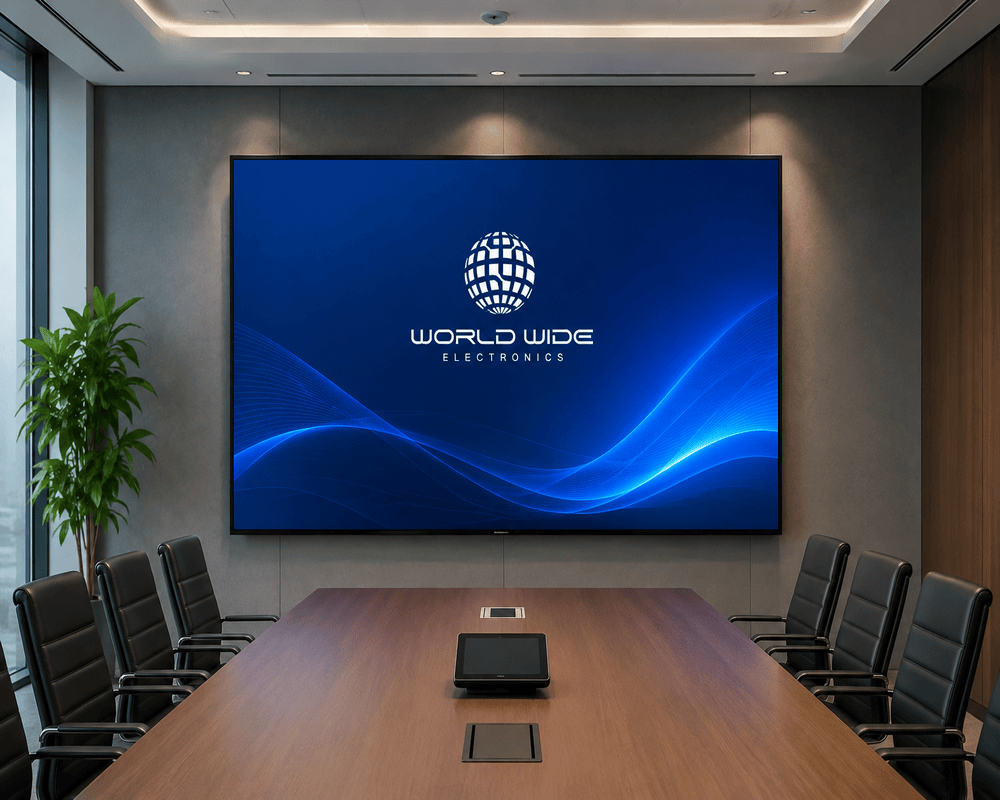
Over the last decade, large digital displays have moved from stadiums and airports into shopping malls, roadside advertising, event stages and corporate lobbies. Behind most of these screens is a technology called SMD, short for Surface-Mounted Device. If you have ever wondered why some LED screens look sharp from a few steps away while others only look good from across the street, the answer usually starts with SMD.
In an SMD screen, each pixel is built from small LED chips, usually red, green and blue, mounted directly onto the circuit board and sealed in one compact package. Older DIP (dual in-line package) LED displays placed their LEDs differently. They were very bright, but the pixels were larger and the picture was coarser. SMD packaging puts the three colour LEDs close together, so each pixel can be much smaller. That is why SMD screens are the usual choice when viewers stand close to the display.
Brightness is the first major difference. Indoor screens usually work well at a few hundred to around a thousand nits, which is enough for shops, lobbies and event halls. Outdoor screens need much more light to stay visible in daylight, often 5,000 nits or higher, and they need weatherproof cabinets. Always check the IP rating. IP65 is a common standard for outdoor modules, which means they resist dust and water jets.
Pixel pitch decides the ideal viewing distance. As a simple rule, the closer people stand to the screen, the smaller the pitch should be. A P2 or P2.5 indoor screen suits control rooms and close-range retail. A P4 to P6 screen is common for outdoor billboards that people view from the road. Buying a fine pitch for a distant billboard wastes money, while a coarse pitch for a close-range display will look grainy.
A higher refresh rate reduces flicker. This matters when the screen is filmed by cameras or used for live events. Ask the supplier for the refresh rate and the controller specification as well. The controller decides how content is uploaded, how smoothly video plays and whether the screen can be managed remotely.
Price depends on the size, pixel pitch, brightness and whether the screen is indoor or outdoor. It is a mistake to compare only the cost per square metre. Compare the total cost over the life of the screen, including power use, routine maintenance and the price of replacement modules. A cheaper screen with weak after-sales support can cost more in the long run.
Many buyers make the same few errors. The first is choosing pixel pitch by price instead of viewing distance. The second is ignoring brightness, so an outdoor screen looks dim at midday. The third is skipping the protection rating, which can shorten the life of the display during monsoon season or dusty weather. The fourth is forgetting maintenance access. If technicians cannot reach the back of the cabinets easily, small faults take much longer to fix. A short site visit by the supplier before you order can prevent most of these problems.
SMD screens now appear in many places:
SMD technology gives a sharp, wide-angle picture in a light and flexible package, which is why it has become the standard for most modern LED displays. Match the pixel pitch to the viewing distance, the brightness to the environment and the protection rating to the location, and you will avoid most common problems. If you are planning a screen, it is worth working with a local supplier who can visit the site and test the viewing distance before you commit.
For a range of indoor and outdoor SMD LED options and their specifications, see SMD LED screen options (https://worldwideelectronics.com.pk/smd-led-screen/).