
A smartphone camera is one of the most frequently used features of a modern iPhone. Whether capturing everyday moments, recording videos, attending online meetings, or creating professional-quality photographs, users expect clear images and reliable performance. However, like other electronic components, camera parts can become damaged or stop functioning correctly over time. Blurry pictures, focusing difficulties, black screens, and visible lens damage are some common signs that a camera may need attention.
Recognizing these problems early can help prevent further complications and restore the phone’s photography capabilities. In some situations, a software adjustment may solve the issue, while other cases require a physical component replacement. Understanding when to consider iPhone Camera Replacement can help users make informed repair decisions and choose suitable replacement parts.
Blurry Photos and Persistent Focus Problems
One of the most noticeable signs of camera trouble is consistently blurry photography. If an iPhone produces unclear images even when the surroundings have sufficient lighting, the problem may involve the camera lens, autofocus mechanism, or internal camera assembly. Dust, scratches, moisture, and accidental impacts can affect the camera’s ability to capture sharp photographs.
Focus problems can also make everyday photography frustrating. For example, the camera may repeatedly shift focus between objects, struggle to recognize nearby subjects, or fail to maintain a clear image when recording videos. Cleaning the external lens gently and checking the camera settings are useful first steps. However, when the problem continues, the internal camera components may require professional inspection.
Before choosing a replacement, it is important to identify which component is responsible for the issue. Sometimes, the camera glass is damaged while the camera module underneath remains functional. In other situations, the complete rear camera assembly may need attention. Selecting the correct replacement part helps avoid unnecessary repairs and supports reliable camera performance.
Black Screens and Camera App Malfunctions
Another common warning sign is a black screen when opening the camera application. Instead of displaying a live preview, the screen may remain dark, freeze unexpectedly, or fail to switch between available camera modes. These symptoms can interfere with photography and video recording.
Not every black camera screen indicates hardware damage. Temporary software errors, outdated system versions, or application conflicts can sometimes affect camera performance. Restarting the device and checking whether the problem occurs in other applications can help identify the possible cause.
If the camera continues displaying a black screen after basic troubleshooting, the hardware may need closer examination. A damaged camera connection, faulty module, or internal component failure could be responsible. In such circumstances, a technician can inspect the device and determine whether a repair or replacement is appropriate.
Users should avoid repeatedly pressing or opening the camera area to investigate the problem themselves. Smartphone camera assemblies contain delicate components that can be affected by unnecessary handling. Proper diagnostic procedures make it easier to identify the fault without creating additional damage.
Physical Damage to Camera Components
Accidental drops, pressure, scratches, and exposure to moisture can damage different parts of an iPhone camera system. Even when the phone’s display and other functions appear normal, its rear camera glass or internal camera components may have suffered damage.
The rear camera glass is particularly important because it protects the camera lens from dust, scratches, and everyday contact. A cracked or broken glass cover can allow unwanted particles and moisture to reach the area around the camera. It may also affect image quality by creating unwanted reflections, shadows, or blurry spots.
When the camera glass is damaged, replacing the protective lens cover may be sufficient. This is different from replacing the complete camera module. Understanding this distinction helps users select the appropriate repair component instead of purchasing parts that are not required.
For individuals researching iPhone Camera Replacement, checking the exact model number and camera configuration is essential. Different iPhone generations have different camera arrangements, dimensions, and component designs. A replacement part should match the specific device to ensure proper fitting and functionality.
DIYFIXTOOL offers smartphone repair components and practical equipment intended for different repair requirements. Its replacement parts collection includes camera-related components and other accessories that can support mobile device maintenance. Choosing a suitable component and using appropriate repair equipment can make the repair process more organized.
Difference Between Software Issues and Hardware Failure
Before replacing any camera component, it is important to determine whether the problem comes from software or hardware. Both can produce similar symptoms, but they require different solutions.
Software-related problems may include camera application crashes, temporary freezing, delayed image processing, or unusual behavior after a system update. Restarting the iPhone, checking available software updates, and testing the camera through different applications may help identify these issues.
Hardware-related problems are often associated with physical damage or persistent performance failures. A cracked camera cover, visible lens scratches, unusual camera movement, or a camera that consistently fails to produce images may indicate a component issue.
A careful inspection can help distinguish between these possibilities. If the camera works normally in some applications but not others, software may be responsible. However, if the same malfunction appears consistently across different applications, hardware inspection becomes more important.
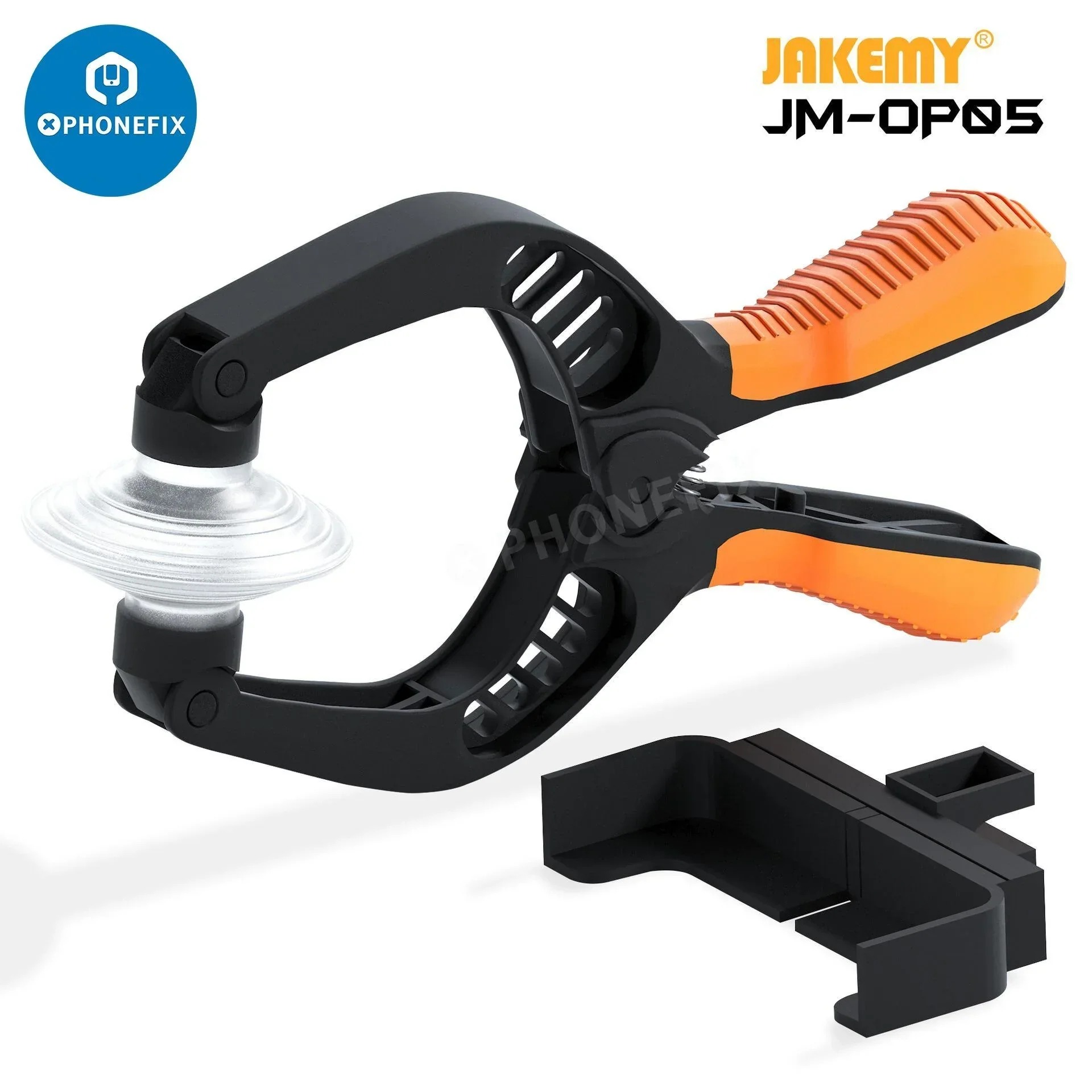
Professional technicians can use suitable diagnostic tools to examine camera connections and internal components. For repair enthusiasts, having reliable opening tools, precision equipment, and suitable replacement parts can also support a more controlled repair process. Avoid attempting complicated internal repairs without the necessary experience, as delicate connectors and nearby components can be damaged easily.
Choosing the Right Replacement Components
Selecting the correct replacement component is an important part of any smartphone repair. Camera-related parts are not universally interchangeable, even when different iPhone models have a similar external appearance. Differences in dimensions, mounting arrangements, and camera configurations can affect compatibility.
Start by confirming the exact iPhone model. Check the product specifications carefully and compare the replacement component with the original part before beginning the repair. This is especially important when purchasing rear camera glass, as the size and arrangement of the camera openings must match the device.
It is also useful to understand whether the repair requires a protective glass replacement or a complete camera assembly. Replacing only the damaged glass can be a practical option when the camera itself continues working correctly. However, if the internal camera module has failed, changing the external cover alone will not resolve the underlying problem.
DIYFIXTOOL provides repair tools, equipment, and replacement components for professional technicians and DIY users. Its product range includes phone opening tools, precision accessories, microsoldering equipment, and smartphone replacement parts. These supplies can help support different stages of a mobile repair project.
Before purchasing a replacement, consider the following points:
- Model compatibility: Verify that the component is specifically suitable for your iPhone model.
- Component type: Determine whether you need rear camera glass, a lens cover, or a complete camera module.
- Product specifications: Review the available product information and compatibility details.
- Repair equipment: Use appropriate tools to reduce the risk of damaging surrounding components.
- Installation requirements: Understand the repair process and seek professional assistance when the procedure requires specialized skills.
Making these checks before starting a repair can save time and help prevent compatibility problems. Proper preparation is particularly important when working with delicate smartphone components.
Conclusion: Recognizing Camera Problems Before They Get Worse
Camera problems can affect the everyday usability of an iPhone, making it difficult to capture photographs, record videos, and use applications that depend on camera functionality. Blurry images, persistent focusing issues, black screens, and cracked camera glass are all signs that deserve attention.
Identifying the source of the problem is the first step toward choosing the right solution. While some issues can be resolved through basic software troubleshooting, physical damage and internal component failures may require replacement parts. Understanding the difference between protective camera glass and the internal camera assembly also helps ensure that the correct component is selected.
When considering iPhone Camera Replacement, always check device compatibility, inspect the damaged area, and use appropriate repair equipment. DIYFIXTOOL supports mobile repair requirements by offering smartphone replacement components, precision tools, and equipment for technicians and repair enthusiasts. With careful diagnosis and suitable parts, users can approach camera repairs more confidently and work toward restoring their iPhone’s photography performance.