Physical Address
304 North Cardinal St.
Dorchester Center, MA 02124
Physical Address
304 North Cardinal St.
Dorchester Center, MA 02124

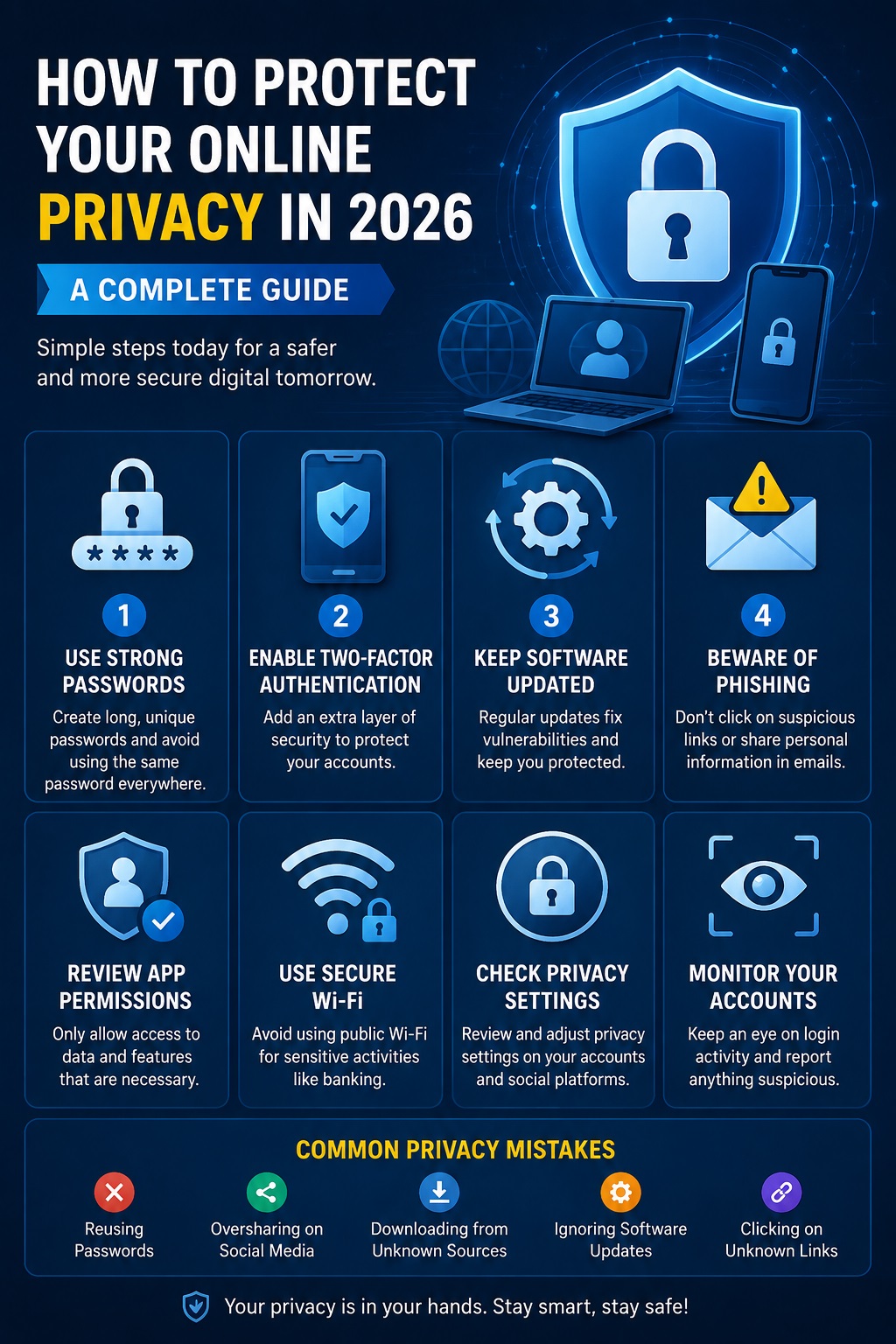
Learn practical online privacy tips for 2026, including strong passwords, 2FA, phishing protection, software updates, and safe browsing habits
As our lives become increasingly digital, protecting online privacy has never been more important. Every day, websites, apps, and online services collect data about users, from browsing habits to personal information. Without proper security measures, this data can be exposed to cybercriminals, advertisers, or unauthorized third parties.
In this guide, you’ll learn practical ways to protect your online privacy in 2026 using simple habits and trusted security tools.
Your personal data is valuable. It may include:
If this information falls into the wrong hands, it can lead to identity theft, financial loss, or privacy violations.
Avoid using the same password across multiple websites.
A secure password should:
Using a password manager can help generate and store strong passwords securely.
Two-factor authentication adds an extra layer of protection.
Even if someone steals your password, they still need a second verification code to access your account.
Always update:
Security updates fix vulnerabilities before hackers can exploit them.
Never click suspicious links.
Check:
Many mobile apps request access to:
Only grant permissions that are actually necessary.
Avoid logging into important accounts while connected to public Wi-Fi unless you trust the network.
Review privacy settings on:
Limit who can see your personal information.
Watch for:
Act immediately if anything looks unusual.
Protecting your online privacy doesn’t require advanced technical knowledge. Small habits—like using strong passwords, enabling two-factor authentication, and staying alert to phishing attempts—can greatly reduce your risk. In today’s connected world, making privacy a priority helps keep your personal information secure.




