Physical Address
304 North Cardinal St.
Dorchester Center, MA 02124
Physical Address
304 North Cardinal St.
Dorchester Center, MA 02124

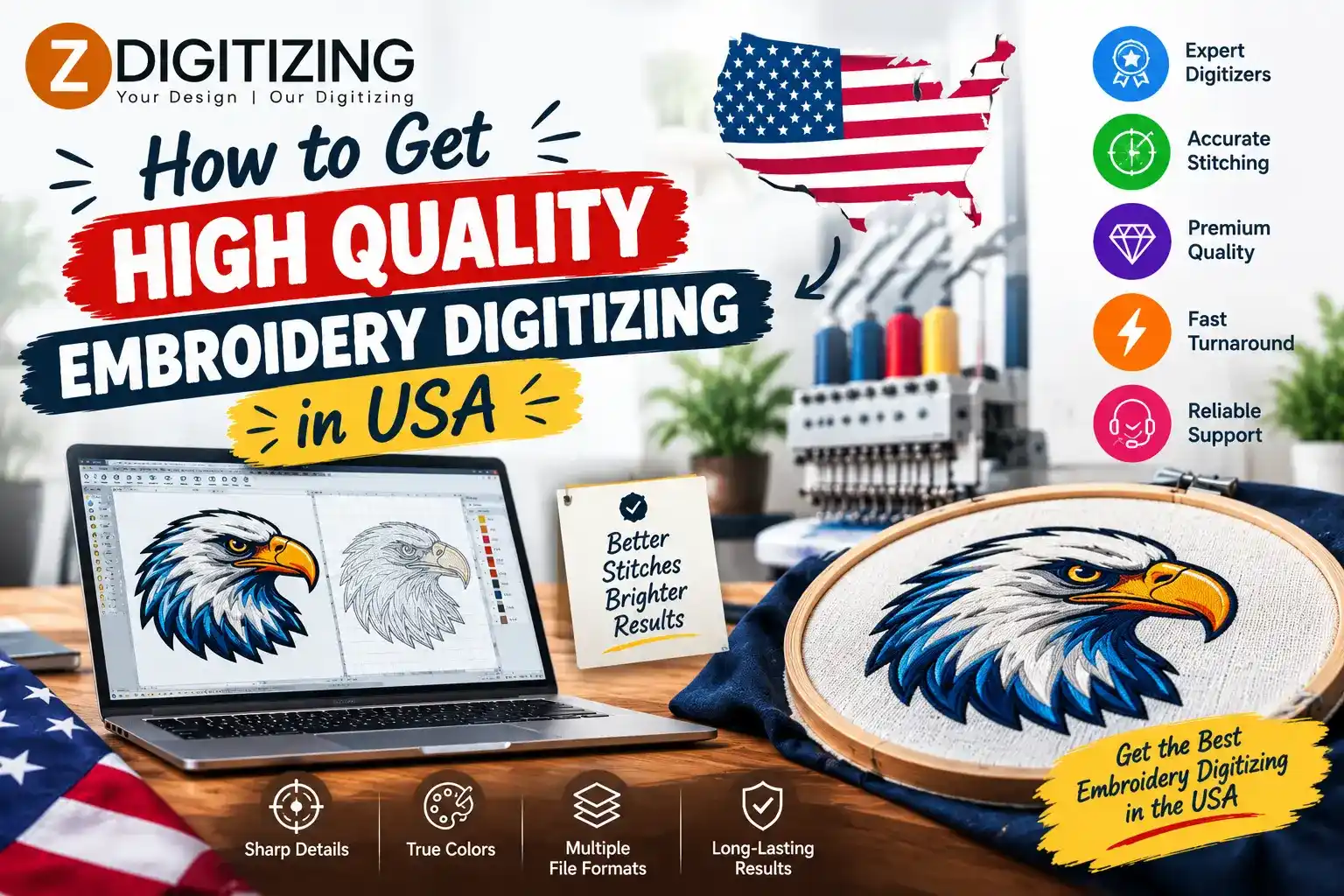
High quality embroidery digitizing is essential for creating clean, professional, and durable embroidered designs. Whether you need a company logo for uniforms, artwork for caps, lettering for jackets, or custom designs for an apparel business, the quality of the embroidery begins with the quality of the digitized file.
Embroidery machines do not stitch regular JPG, PNG, or other image files directly. They require a specialized embroidery file containing instructions about stitch placement, direction, density, color changes, and sewing order. A poorly prepared file can result in uneven stitches, distorted artwork, excessive thread buildup, puckering, or unreadable details.
For businesses and individuals in the USA, finding a reliable embroidery digitizing service can make the production process much easier. However, choosing a provider based only on price or turnaround time may not give you the results you need.
This guide explains how to get high quality embroidery digitizing in USA, what to look for in a professional service, and how to prepare your artwork for the best possible embroidery results.
High quality embroidery digitizing is the process of creating an embroidery file that is carefully optimized for the intended design, fabric, size, and embroidery machine.
A professional digitized file should contain properly planned stitches rather than simply being an automatic image conversion.
The digitizer considers factors such as:
The goal is to create a file that can reproduce the artwork clearly and efficiently when it is stitched.
The digitizing file directly influences how the finished embroidery looks.
Proper stitch planning can create smoother borders, cleaner fills, and more consistent lettering.
A skilled digitizer knows how to simplify or adjust small details so they remain visible after stitching.
Correct density and underlay can help reduce problems such as puckering, distortion, and excessive thread buildup.
A well-planned stitch sequence can reduce unnecessary jumps, trims, color changes, and machine movements.
Businesses often embroider the same logo on multiple garments. A properly prepared file can help maintain a consistent appearance across production runs.
Finding a suitable provider requires more than searching for the cheapest service. Consider several factors before submitting your artwork.
Start by searching for companies that specialize specifically in embroidery digitizing.
A provider that understands embroidery production should be able to discuss stitch types, density, underlay, fabric, design size, and machine formats.
Ask whether they have experience with the type of design you need.
For example, the requirements for a small shirt logo can be very different from those for a large jacket-back design or a cap logo.
A portfolio is one of the most useful ways to evaluate the quality of a digitizing provider.
Look for embroidery samples that are similar to your project.
Pay attention to:
If you need a detailed logo, do not rely only on samples of simple text. Look for examples that demonstrate the provider’s ability to handle complex artwork.
Automatic conversion can be useful for basic designs, but high quality embroidery often requires manual adjustments.
A manual digitizer can decide how each part of the design should be constructed.
They can adjust stitch direction, density, underlay, sequencing, and other elements according to the design.
This level of control is particularly useful for:
Manual digitizing does not mean every project must be created entirely from scratch, but it allows the design to be properly reviewed and optimized rather than relying solely on automatic conversion.
The quality of your source artwork can affect the digitizing process.
Whenever possible, provide the clearest version of your logo or artwork.
Suitable source files may include:
Even if you only have a low-resolution image, a professional digitizer may still be able to work with it. However, additional artwork preparation may sometimes be required.
One of the most important pieces of information is the final embroidery size.
Tell the provider the intended width and height rather than simply sending the artwork without dimensions.
A logo embroidered at 3 inches wide may need different stitch planning from the same logo embroidered at 10 inches wide.
Very small designs may require simplified details and carefully planned lettering.
Large designs may accommodate additional detail but can require more stitches and production time.
The digitized file should ideally be created for the actual size in which it will be embroidered.
Always tell your embroidery digitizer what material you plan to use.
Different fabrics react differently to needle penetration and thread tension.
Cotton shirts and uniforms are common embroidery applications. The design still needs suitable density and stabilization.
Denim is heavier and can support different embroidery structures from lightweight fabrics.
Stretch garments can move during embroidery, making stabilization and stitch planning especially important.
Fleece has a soft surface that can affect how small details appear.
Caps have a curved surface and require careful consideration of stitch direction and design placement.
Towels have a textured surface, so fine details may need to be simplified.
Providing the fabric information allows the digitizer to make more appropriate design decisions.
A high quality embroidery design does not use one stitch type for everything.
Running stitches are commonly used for outlines, fine lines, and narrow details.
Satin stitches are useful for lettering, borders, and narrow shapes that need a smooth embroidered appearance.
Fill stitches cover larger areas of artwork and can be adjusted for different textures and stitch directions.
The digitizer selects the stitch type according to the shape and size of each design element.
Stitch density refers to the spacing between stitches.
If the density is too high, the embroidery can become overly thick and may create unnecessary thread buildup or fabric stress.
If the density is too low, the design may have poor coverage and allow too much fabric to show through.
A professional digitizer balances density according to the design, fabric, thread, and stitch type.
Underlay provides a foundation beneath the visible stitches.
It can help stabilize the fabric and provide support for the top layer of embroidery.
The type and amount of underlay should be selected according to the design and material.
Too little foundation may result in weak coverage or movement, while excessive underlay can contribute to unnecessary bulk.
Stitch direction can affect the texture and visual appearance of embroidery.
Changing stitch angles between different sections can help separate elements and create a more professional appearance.
Proper stitch direction can also help manage the way stitches pull on the fabric.
A skilled digitizer considers the direction of each section rather than using one angle throughout the entire design.
The embroidery machine follows the sequence contained in the digitized file.
A good sequence can reduce unnecessary movements and help maintain alignment.
It may also reduce:
The sequence becomes particularly important when a design contains several overlapping sections or multiple colors.
Different embroidery machines use different file formats.
Common formats include DST, PES, JEF, EXP, and others.
Before ordering, tell the digitizer which machine you are using or which file format you require.
A high quality digitizing service should be able to deliver the appropriate format for your equipment.
One of the best ways to evaluate a digitized design is to stitch it on actual fabric.
A digital preview cannot always reveal how thread and fabric will interact.
Test stitching can identify:
After testing, the digitizer can make adjustments to improve the file.
Turnaround time is important when you are working with production deadlines.
Businesses may need embroidery files for uniforms, events, product launches, promotional campaigns, or customer orders.
Before placing an order, ask:
Choose a provider whose timeline fits your project while still allowing enough time for proper digitizing and review.
The cost of embroidery digitizing can vary depending on design complexity.
A simple logo with two colors may require less work than a detailed illustration containing many elements.
When comparing prices, find out what is included in the service.
Looking at the complete service package can provide a clearer understanding of the price.
Even a carefully prepared design may need adjustments after review or test stitching.
A service should clearly explain its revision policy.
Ask whether minor corrections are included and whether larger design changes require an additional charge.
A clear revision process can make it easier to improve the design before production.
Good customer support can be particularly important for custom embroidery projects.
You may have questions about:
A provider that communicates clearly can help you resolve these questions before they affect production.
A skilled digitizer does not simply trace the artwork.
They understand how artwork needs to be adapted for thread and fabric.
The digitizer considers where the design will be placed and how large it will be.
Different materials require different approaches to stitch density, underlay, and stabilization.
Efficient stitch paths can help reduce unnecessary machine movement.
Some digital details cannot be reproduced accurately with thread. A professional digitizer knows when simplification is necessary.
The design should be checked before being used for production.
Low-quality digitizing can create several embroidery problems.
Excessive stitch density or unsuitable design settings can contribute to fabric puckering.
When design elements do not align properly, borders and colors can appear uneven.
Small lettering may become difficult to read when it is not digitized appropriately.
Too many stitches in a small area can create a thick or stiff result.
Poor stitch planning can contribute to unnecessary thread breaks during production.
Incorrect stitch direction or compensation can affect the shape of embroidered elements.
These problems show why high quality embroidery digitizing is an important part of the production process.
You can make the digitizing process easier by providing complete project information.
Provide the highest-quality version of your logo available.
Tell the digitizer the final embroidery dimensions.
Identify the material that will be embroidered.
Share brand colors or preferred thread colors when available.
Mention whether the design will be used on a shirt, cap, jacket, bag, uniform, towel, or another product.
Tell the digitizer which embroidery machine or file format you require.
Zdigitizing is a trusted company providing embroidery digitizing and vector art services for businesses, apparel brands, embroidery shops, and individuals. The company helps prepare artwork for different embroidery applications, including logos, caps, jackets, lettering, detailed designs, and other custom embroidery projects.
Zdigitizing also provides vector art services for printing, promotional materials, signage, apparel graphics, and digital branding. These services can be useful for businesses that need consistent artwork across both embroidered and printed products.
Getting high quality embroidery digitizing in USA starts with choosing a service that understands both the artwork and the physical embroidery process. A professional digitizer considers design size, fabric, stitch types, density, direction, sequencing, underlay, colors, and machine requirements before creating the final file.
Before choosing a provider, review its portfolio, ask about manual digitizing, confirm file formats, provide complete project information, and consider whether test stitching and revisions are available.
The right preparation can help turn your logo or artwork into an embroidery design that is clear, practical, and suitable for production. Whether you need a single custom logo or files for ongoing commercial embroidery, careful digitizing is an important step toward consistent results.
Look for a professional digitizing service with a relevant portfolio, experienced digitizers, clear communication, suitable file formats, and a process for reviewing or testing designs before production.
Pricing depends on factors such as design complexity, size, stitch count, number of colors, lettering, special effects, and turnaround time. Simple logos generally require less work than detailed designs.
Provide the original artwork, final embroidery size, fabric type, product type, preferred colors, embroidery placement, machine format, and any special requirements.
Manual digitizing provides greater control over stitch types, density, direction, sequencing, and other settings. It can be particularly useful for detailed logos, small lettering, and specialized embroidery.
A test stitch shows how the digital file performs on actual fabric. It can reveal problems such as puckering, poor registration, excessive density, distorted details, or unreadable lettering before final production.




