
Recently, my friend came up to me with a question that is probably asked by many beginners: “If I decide to design social media posts, should I learn Canva or Photoshop?”
The truth is, when people look for an answer, they find opinions about both of these applications. People think that Canva will suffice to create most of your everyday designs, while others claim that Photoshop is a must-have application for any designer. The advice does not make it easier for you to decide which program to learn.
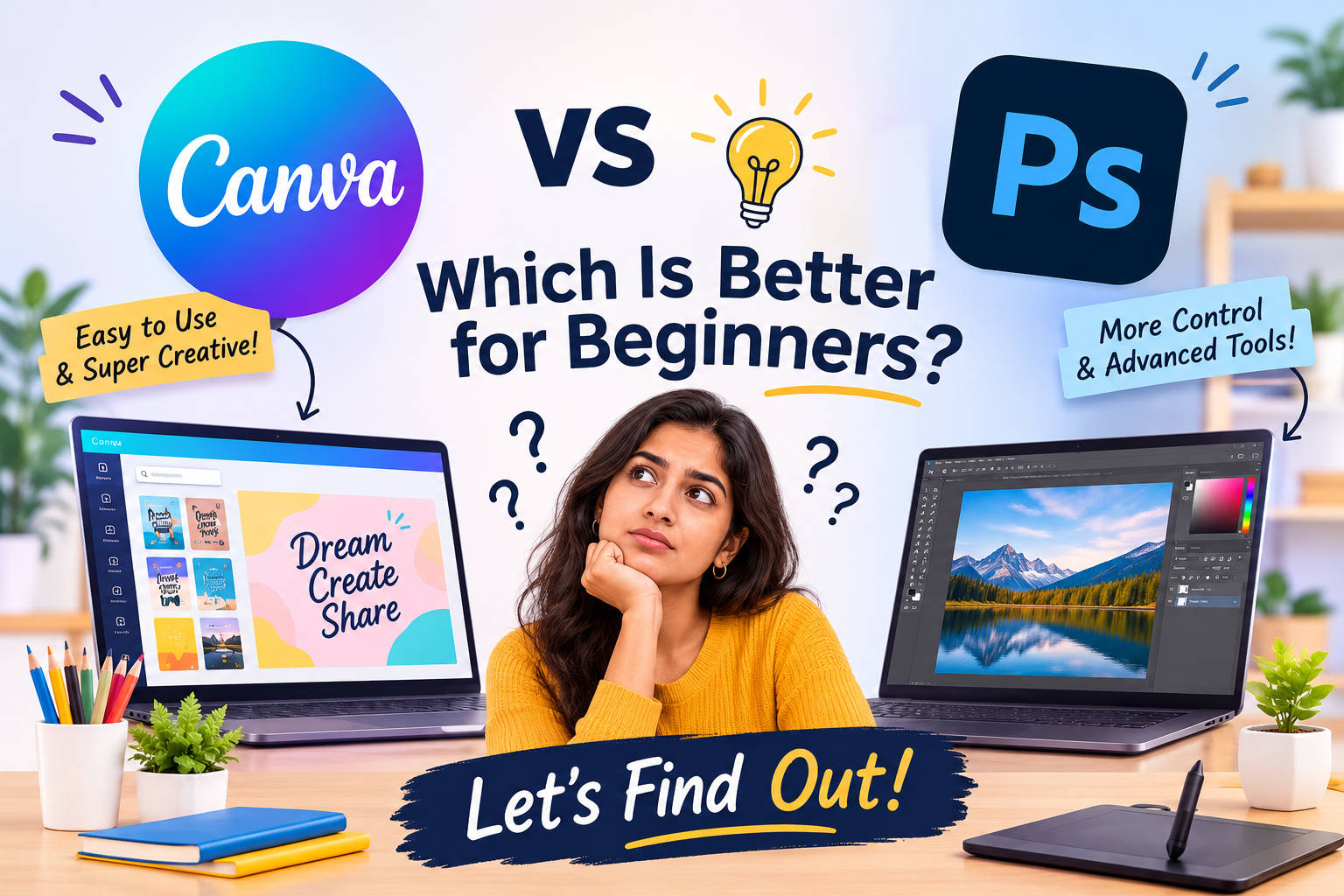
What you need to know is that professional programs are not needed to make your first great design. In case you run a small business and want to announce a discount, send a greeting from the holiday or present a new product, Canva will suit perfectly. However, if you need to edit your photos, create some strange effects or deal with a complex design, you may prefer Photoshop.
Let’s see what makes Photoshop and Canva different from each other.
Starting With Canva: Is It Really That Simple?
Let us assume that you run a small clothing boutique and plan on posting a special Diwali sale offer via Instagram. The only thing you lack in doing so is designing a post.
This is where Canva fits.
The user is able to find a special festive sale template, import his/her product photo, customize text, and colors. There is no need to design everything from scratch – even those who use design software for the very first time will be able to figure out how to do it.
That is why probably it is used by lots of entrepreneurs, students, and social media managers.
However, there is one minor drawback. Using the same templates, which are used by millions of people, does not make posts distinctive. Customizing text only is not enough – devote some more time to arranging the design and choosing colors.
When Does Photoshop Make More Sense?
Using Photoshop is a whole different story. At first sight, this software may seem difficult, and it’s normal. It has all these tools, panels, layers, and setting.
Think about another scenario.
You’ve made a photo of your product, but the background seems dirty. It’s poorly lit, and it doesn’t have the necessary aesthetic appeal to be used in advertising. You want to eliminate unnecessary objects from it, modify its colors, and integrate this picture with another one.
This is what Photoshop is specifically designed for.
You get more freedom of action because everything is done manually. You are free to experiment, change some things, and create something that doesn’t seem like a pre-designed template.
What’s the drawback? You need to be patient. Sometimes your first attempts won’t satisfy you.
Canva vs Photoshop: What Is the Actual Difference?
Let’s keep the comparison simple.
|
Feature |
Canva |
Photoshop |
|
Learning |
Easier to understand |
Takes time and practice |
|
Templates |
Plenty of ready-made options |
More manual design work |
|
Image editing |
Basic editing |
Advanced editing |
|
Social media posts |
Quick to create |
More creative control |
|
Custom designs |
Suitable for simple projects |
Suitable for detailed projects |
|
Best starting point |
Beginners |
People ready to learn advanced editing |
Which One Should You Use for Social Media?
It depends on how frequently you publish content and which type of graphics you require.
When it comes to managing your own business account, you do not wish to spend up to two hours on designing one Instagram graphic. For regular posts, product graphics, offer graphics, and festival graphics, Canva is quite helpful.
But, when it comes to designing an advertising campaign that is unique for a business, the creative aspect needs to be more detailed. This can be done using Photoshop.
This is true in the case of professional social media design too. A post must not only look good but also convey the message effectively.
Don’t Ignore Your Business Identity
One aspect of many business pages is the fact that they do not look cohesive in their design. While one post is designed using blue colors, the second one may use green colors, and the third post can even use an entirely different font.
Trying out new things is fine, but the company needs to establish its visual identity. Here comes the importance of Brand Identity Designing in which consistent colors, typography, logos and layouts play a significant role in identifying your company on various channels.
Whether you design them yourself or hire someone providing Graphic Design Services, you need to ensure that each and every design you make identifies your business.
Business Graphic Design includes designing visiting cards, brochures, banners and advertisements.
My Advice to Someone Just Starting Out
You should not be in a hurry and try to learn everything right away.
Start with Canva. It is much more useful to create something in the context of a practical case and not just edit some template, but rather create an offer post for your shop or a banner promotion for a certain service or even business announcement.
After mastering the use of colors, proper spacing and font choices, you can proceed to Photoshop.
Final Thoughts
Canva might be a great place to start, yet you still have a chance to get into something more interesting using Photoshop. There is no need to see them as rivals. Both software programs might be helpful at various steps of your design path.
In AV Technologies, we realize that businesses require much more than pretty pictures to become successful online. Starting from graphic design services and ending up with social media design and brand identity design, all designs should have their own sense and reflect the business.
My recommendation is to study basic principles, try both options and choose the way you prefer.