Physical Address
304 North Cardinal St.
Dorchester Center, MA 02124
Physical Address
304 North Cardinal St.
Dorchester Center, MA 02124

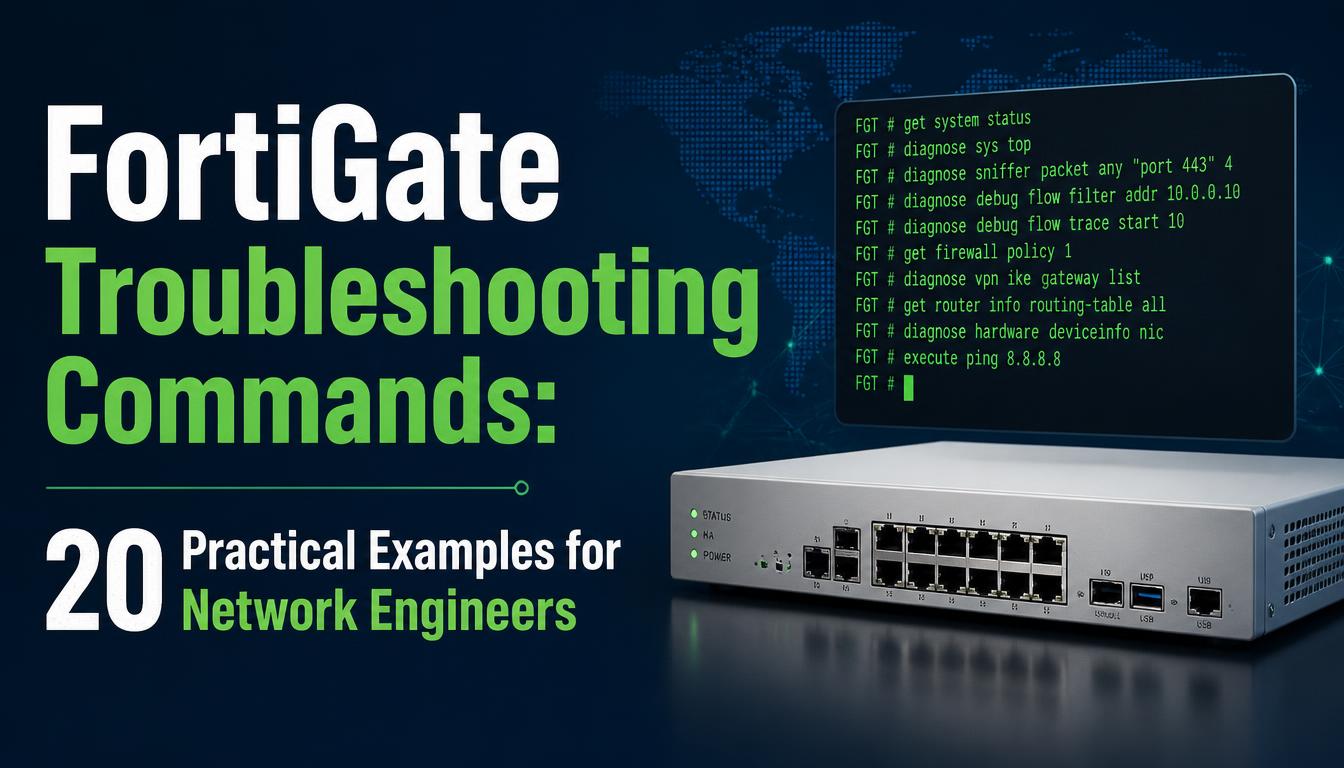
FortiGate firewalls help organizations protect networks, manage traffic, and enforce security policies. However, configuration errors, routing problems, VPN failures, and performance issues can affect network connectivity. Knowing the right troubleshooting commands helps network engineers identify root causes and restore services efficiently.
Fortinet NSE 4 Training can help learners develop practical knowledge of FortiGate configuration, security policies, and troubleshooting techniques. Understanding commonly used CLI commands is valuable for IT professionals who manage firewall infrastructure and want to strengthen their network security skills.
The following commands cover common diagnostic tasks. Exact command availability and output may vary by FortiOS version and configuration.
get system status
Displays the FortiGate model, FortiOS version, operating mode, and other system details. Use it as an initial check when investigating compatibility or version-related issues.
get system interface physical
Displays physical interface information, helping identify interfaces that are down or incorrectly configured.
show system interface
Displays interface configuration, including IP addressing and other settings. Review the relevant interface when investigating connectivity problems.
get router info routing-table all
Displays available routes. Use it to verify that the firewall has a route toward the destination network.
execute ping 8.8.8.8
Tests IP connectivity to a destination. Failure may indicate routing, upstream connectivity, or filtering problems.
execute traceroute 8.8.8.8
Helps identify where traffic stops along a route. Intermediate devices may not respond, so interpret results alongside other diagnostics.
execute nslookup example.com
Tests hostname resolution from the FortiGate CLI where supported. If resolution fails, inspect DNS configuration and reachability.
show firewall policy
Displays firewall policy configuration. Check source and destination interfaces, addresses, services, and action settings when traffic is blocked.
diagnose sys session list
Displays session information. Use appropriate filters where supported to investigate specific traffic flows.
diagnose sniffer packet any ‘host 192.0.2.10’ 4 10 l
Captures packets involving the specified host across interfaces. Replace the example address with the relevant IP address. Packet captures may contain sensitive information, so handle them securely.
diagnose debug flow filter addr 192.0.2.10
diagnose debug flow show function-name enable
diagnose debug enable
diagnose debug flow trace start 10
Helps identify why traffic is accepted or dropped. Apply filters before enabling debug output. When finished, stop debugging:
diagnose debug flow trace stop
diagnose debug disable
diagnose debug reset
Run debug commands carefully, particularly on production firewalls.
get system performance status
Displays performance information, including CPU and memory utilization. Sustained high usage may indicate resource pressure or unusually heavy traffic.
diagnose sys top
Shows active processes and resource usage. Use it to investigate processes consuming unusually high CPU resources.
get vpn ipsec tunnel summary
Provides an overview of IPsec tunnel status. If a tunnel is down, review peer reachability, Phase 1 and Phase 2 settings, and authentication parameters.
show vpn ipsec phase1-interface
show vpn ipsec phase2-interface
Displays IPsec Phase 1 and Phase 2 configuration. Compare encryption, authentication, proposals, and selectors with the remote peer.
get system ha status
Displays high-availability cluster information. Use it to review member status, synchronization, and primary-unit information.
execute dhcp lease-list
Displays DHCP lease information where the command is supported. Check address allocation when clients cannot obtain valid IP configurations.
show system interface
Review the relevant interface’s allowaccess configuration to determine whether management services such as HTTPS, SSH, or ping are permitted. Avoid enabling management access unnecessarily.
diagnose debug rating
Helps inspect FortiGuard rating server information on supported FortiOS versions. If services fail, review DNS, routing, licensing, and upstream connectivity.
execute log filter category event
execute log display
Where supported, these commands help filter and display event logs. Logs can reveal interface changes, authentication failures, VPN events, and other useful troubleshooting details. Command syntax may differ by release and logging configuration.
Start by identifying the affected users, applications, and destinations. Check interfaces, routes, policies, and sessions before making configuration changes.
Debugging and packet capture can generate substantial output or expose sensitive information. Apply narrow filters, limit trace counts, and disable debugging immediately after collecting the necessary evidence.
Make targeted changes rather than modifying several settings simultaneously. Confirm that the issue is resolved and document the root cause, commands used, and corrective actions.
Consult the documentation for the installed FortiOS version before using commands that may differ across releases. Test unfamiliar commands in a lab when possible.
FortiGate troubleshooting commands help network engineers investigate connectivity failures, routing errors, firewall policy problems, VPN issues, and resource utilization. Using commands systematically makes it easier to isolate faults, verify configurations, and restore services while minimizing unnecessary changes. Careful use of packet captures and debugging tools also supports safer troubleshooting in production environments.
Professionals seeking to improve their firewall administration skills can explore practical labs and structured learning resources. Fortinet NSE 4 Certification is a relevant historical certification term associated with FortiGate security administration; candidates should check Fortinet’s current certification program for the latest available credentials and training pathways.




