

For most of the last two decades, visual production followed a predictable chain. A brief was written, a photographer or illustrator was booked, files were edited on a desktop, and the finished asset arrived days later. That chain still exists, but it is no longer the only option. Browser-based creative tools have compressed parts of it into minutes, and the people using them are rarely professional designers. They are small business owners, marketing generalists, teachers, and founders who need a decent image, a short video, or a quick visual answer to a question that arrived an hour before a meeting.
That shift is worth understanding, because it changes both what people expect from software and what “good enough” looks like in everyday creative work.
Why the Browser Became the Creative Hub
The first wave of AI image tools lived in research notebooks or heavy desktop installations. The current generation runs in a tab. There are practical reasons for that. Cloud GPUs remove the need for an expensive local machine, models improve faster than users can reinstall software, and assets stay reachable from any device. A marketing contractor working from a laptop in a cafe has the same rendering ability as someone sitting at a workstation.
The browser model also changes the shape of the workflow. Instead of treating generation as a single trick, newer platforms bundle related tasks: trying a hairstyle on a portrait, translating text inside an image, cutting out a background, turning a still product shot into a short clip. Each of those used to be a separate tool with its own account, export format, and learning curve. Combining them is not just convenience; it lowers the cost of experimentation, and experimentation is where most creative value is found.
The Tasks That Actually Save Time
Not every AI feature earns its place. The ones that stick tend to remove a specific, repetitive bottleneck.
Virtual try-on is a clear example. Anyone who has changed a hairstyle knows the gap between imagining a cut and seeing it on their own face. A preview tool turns that gap into a few clicks, and the same technology makes hair-color exploration far less risky. Salons use it during consultations, and individuals use it before committing to a change.
Product photography is another. Small sellers often photograph items on a kitchen table under a ceiling light. Tooling that replaces the background, adjusts lighting, or places a product in a clean scene removes the need for a studio booking while still producing something usable on a marketplace listing.
Image translation addresses a quieter problem. Packaging, signage, and screenshots contain text that is baked into pixels. Translating that text without rebuilding the source file used to mean a designer carefully painting over label copy. Automated detection and re-rendering handles the mechanical part, and the reviewer only has to check tone and fit.
Short video generation rounds out the set. Many teams need a five-second clip far more often than a two-minute film: a subtle motion on a product hero, a looping background, a teaser for a social post. Text-to-video and image-to-video models make those clips accessible without a video editor.
Where the Human Still Matters
It is tempting to describe these tools as replacements. In practice, they shift the work rather than delete it. Someone still has to decide what the image should communicate, judge whether the result is honest, and catch the details a model gets wrong. Hands, text, reflections, and consistency between multiple frames remain weak points, and a convincing image can still be the wrong image for the brand.
There is also a disclosure and rights question. Using a synthetic portrait of a real person, or restyling a customer’s photo, requires consent and care. Responsible teams keep a short internal rule: what would we be comfortable explaining to the person in the picture? That single question prevents most of the obvious problems.
A Practical Way to Evaluate a Tool
Because the category is crowded, a simple checklist helps. First, does the tool solve a task you repeat, rather than a task you admire once? Second, can you export assets at a usable size and format without a subscription trap? Third, does the interface explain what the model is good at, including limits? Fourth, is the pricing legible before you commit? A free trial that lets you test real work is more informative than a gallery of curated examples.
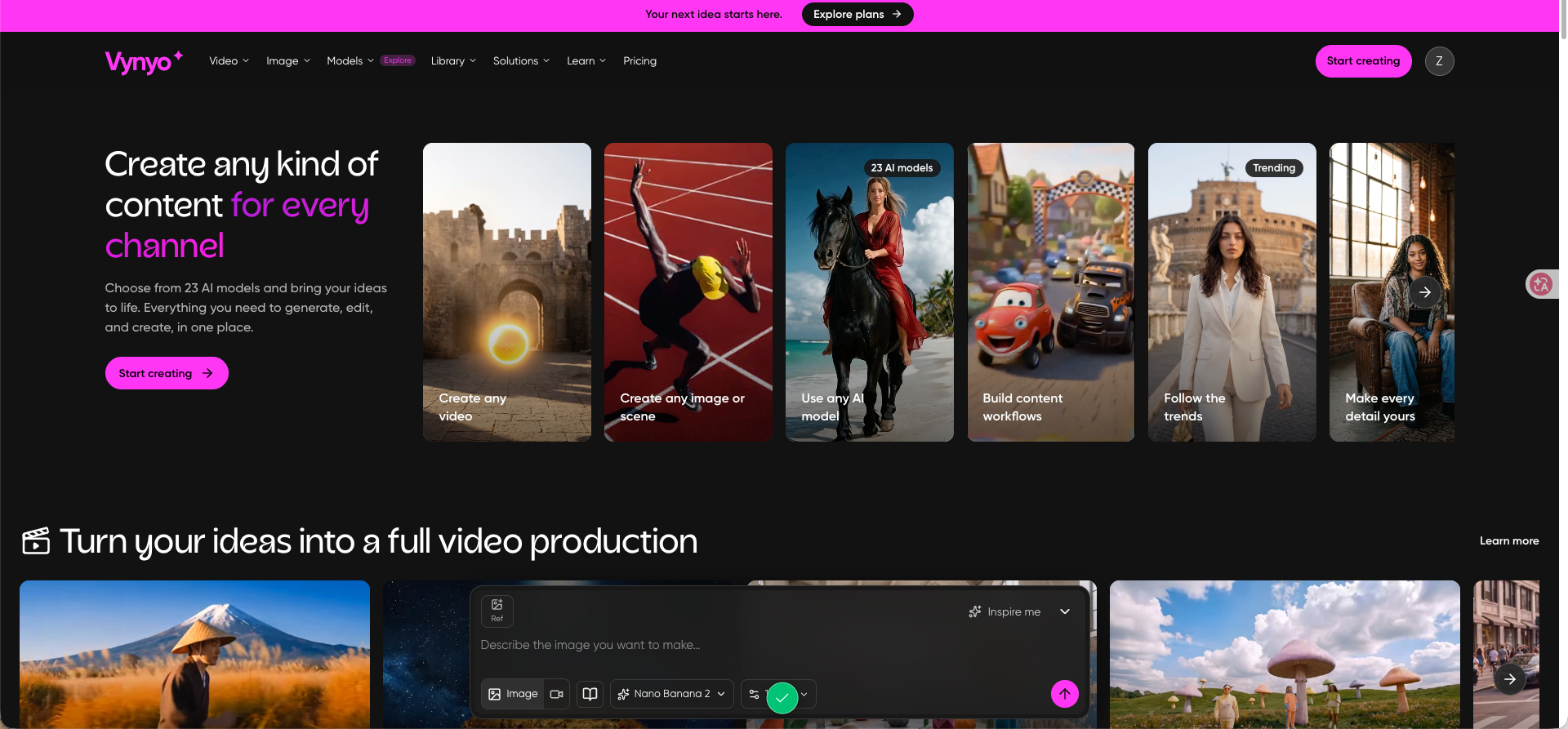
One example of this consolidated approach is vynyo.com, a browser-based creative workspace that brings hairstyle previews, image generation and editing, product photography, image translation, and video creation into one place. Its homepage shows hairstyle options and sample outputs, and it advertises free testing credits alongside credit packs and monthly or yearly plans. Whether it fits a particular workflow depends on the tasks above, but the pattern it represents, several related visual jobs under one login, is where the category is heading.
What to Expect Next
The near-term improvements are likely to be less about raw image quality, which is already sufficient for many commercial uses, and more about control. Users want to keep a character consistent across ten images, edit one region without disturbing the rest, or specify a camera angle precisely. Progress there will decide whether these tools remain assistants for quick jobs or become the default production environment.
For now, the sensible stance is pragmatic. Keep the tools that remove real friction, verify every output before it represents your business, and stay skeptical of any demo that looks perfect. The creative stack has changed, but the standard has not: the work still has to be clear, accurate, and worth someone’s attention.