Physical Address
304 North Cardinal St.
Dorchester Center, MA 02124
Physical Address
304 North Cardinal St.
Dorchester Center, MA 02124

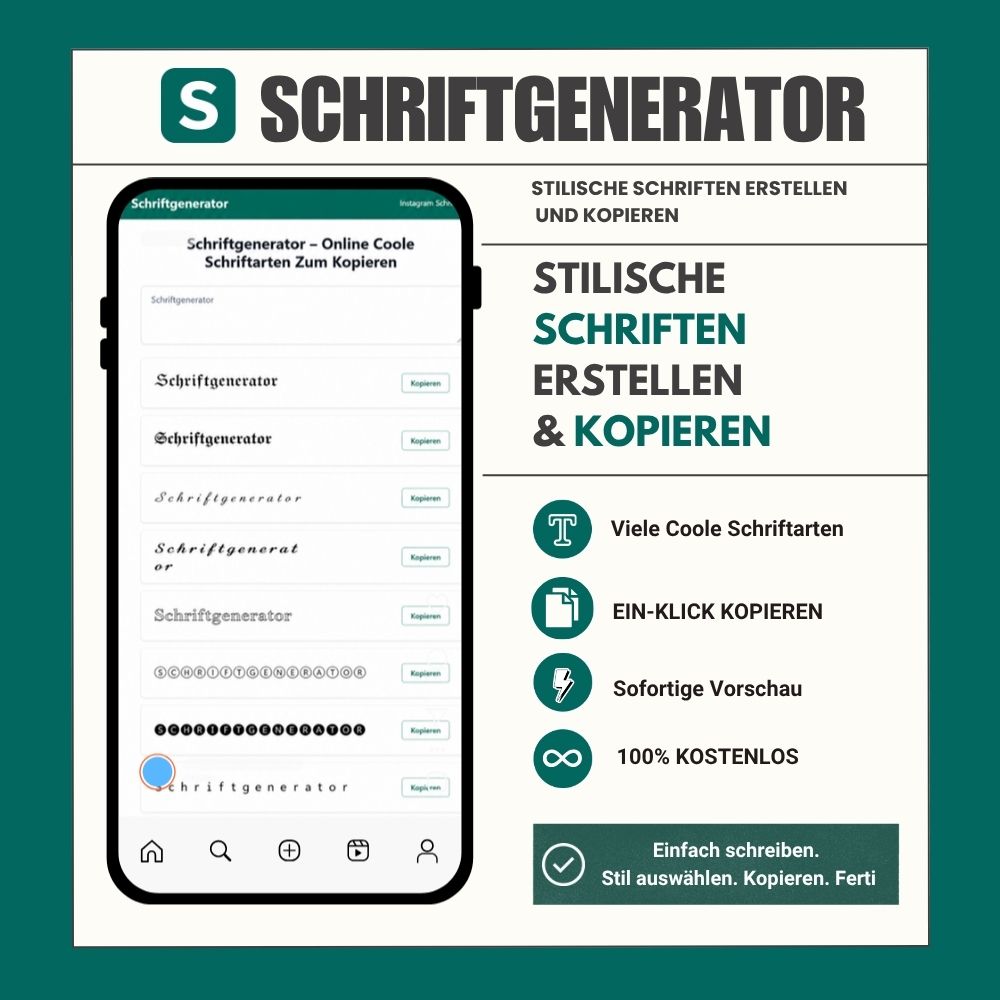
The way text looks can be just as important as the words themselves. On social media, gaming platforms, messaging apps, and online communities, people see countless usernames, bios, posts, and comments every day. Using a distinctive text style can make your content look more personal and easier to notice.
One simple way to experiment with different text styles is to use an online font generator. These tools can transform ordinary text into different Unicode styles that can be copied and pasted into many platforms.
A font generator is an online tool that converts regular text into different visual styles. Instead of manually searching for individual characters or installing additional fonts, users can enter their text and instantly see multiple variations.
Depending on the tool, you may find styles such as bold, italic, cursive, gothic, outlined, bubble, monospace, circled, and other decorative designs.
For example, a simple phrase can be transformed into different versions such as:
Normal: Creative Text
Bold: 𝗖𝗿𝗲𝗮𝘁𝗶𝘃𝗲 𝗧𝗲𝘅𝘁
Cursive: 𝒞𝓇𝑒𝒶𝓉𝒾𝓋𝑒 𝒯𝑒𝓍𝓉
Gothic: 𝔠𝔯𝔢𝔞𝔱𝔦𝔳𝔢 𝔗𝔢𝔵𝔱
These variations can give ordinary text a completely different appearance.
Many online font generators do not actually change the font installed on your device. Instead, they use Unicode characters.
Unicode is an international character standard that includes thousands of letters, symbols, mathematical characters, and special variations. A generator combines these characters to create text that looks different from standard writing.
This is why generated text can often be copied directly into websites and applications without installing a font file.
Compatibility can vary, however. Some devices, websites, or applications may not support every Unicode character. If a particular style does not display correctly, choosing another style usually solves the problem.
There are many situations where people use decorative text online. Social media profiles are one of the most common examples.
A profile bio has limited space, so visual text can help separate sections or highlight important words. Cursive, bold, and other decorative styles can be used for names, short descriptions, or headings.
TikTok users often experiment with distinctive usernames and profile descriptions. Stylish Unicode text provides another way to personalize a profile without changing the overall design.
Discord communities, gaming servers, and online groups often have users with creative nicknames. Gothic, bold, monospace, and symbol-based styles can be useful for creating different username ideas.
Stylish text can also be used in WhatsApp statuses, profile names, and selected messages. It can be particularly useful when creating a short quote, announcement, or personalized status.
Gamers frequently customize usernames and clan names. Different Unicode styles can help create names with a particular visual theme, although users should always check the rules of the specific game before using special characters.
Not every situation requires an elaborate design. The best style depends on where the text will be used.
For a professional profile, a simple bold or clean style may be easier to read. For a gaming username, a gothic or decorative style may fit better. Cursive designs can work well for quotes, personal bios, and creative posts.
Readability is also important. Very decorative characters can look interesting but may become difficult to understand when used for long sentences.
A useful approach is to generate several variations and compare them before choosing one.
One of the biggest advantages of online text generators is convenience. Users do not need to download font files, install software, or learn complicated design programs.
The basic process is simple:
Enter your text.
Browse the available styles.
Choose a design you like.
Copy the generated text.
Paste it into your preferred application.
For anyone who frequently changes social media bios, usernames, statuses, or short posts, this can save considerable time.
If you want to explore different Unicode text designs, visit Schriftgenerator and enter your text into the generator. You can browse different styles and copy the version that fits your needs.
Whether you are looking for bold lettering, cursive text, gothic characters, outlined designs, bubble letters, or other decorative styles, a font generator makes it easy to compare different options in one place.
Stylish text works best when it supports the message rather than making it harder to read. Using a decorative style for a username, short heading, or a few important words can add personality without overwhelming the reader.
For longer content, standard text is generally easier to read. Decorative Unicode characters are better suited to short pieces of text where visual appearance is part of the goal.
Whether you are creating a new username, updating a social media bio, writing a status, or simply experimenting with different lettering styles, an online font generator offers a quick way to explore new possibilities without installing additional software.
Try different styles, compare the results, and choose the text that best matches your personality and the platform where you plan to use it.




