Physical Address
304 North Cardinal St.
Dorchester Center, MA 02124
Physical Address
304 North Cardinal St.
Dorchester Center, MA 02124

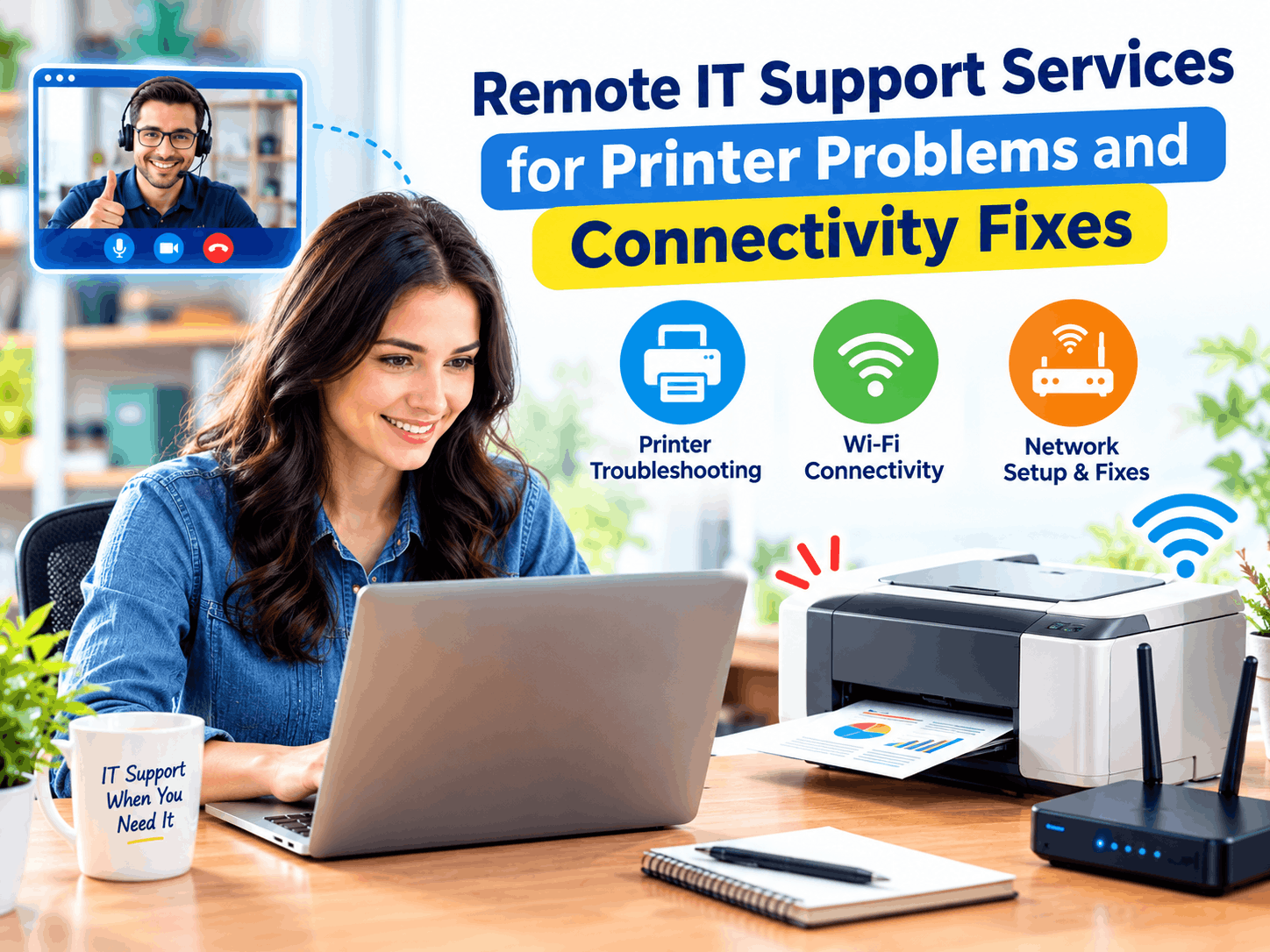
There are few things that make one more frustrated with technology than a printer that will not work properly. It is particularly frustrating when it worked perfectly fine the day before, and nothing has been done differently. Printer problems are among the most frequent causes of looking for remote technical support, and the reason why it is so frustrating is not that it is complicated but rather because it is mechanical and digital at the same time.
The fact that the printer is both a machine and a software-driven system means the fault might be in the driver, the connection to the network, the spooler system, or even wear and tear, all giving rise to symptoms that look very much the same to you. When a printer is “offline,” it may simply be because of the Wi-Fi disconnecting, the system being locked, or a setting having been inadvertently flipped months ago. It is precisely because of the above that printer troubleshooting can be such an annoyance.
Printer is marked as offline even though it is switched on – This is mostly a problem of poor connection or accidental enabling of the “Use Printer Offline” feature in Windows.
Print jobs are stuck in the queue – Mostly indicates that the Print Spooler service is frozen and should be restarted from Services -> Print Spooler -> Restart.
Printer keeps on disconnecting from the Wi-Fi – Most likely caused by a weak signal or connecting to different bands of Wi-Fi by the printer and computer.
Documents printed incorrectly or left blank – Most probably a driver problem and not a hardware failure, and can be fixed by installing the driver again.
Paper jamming or misfeed occurs consistently – Often caused by wrong paper size or tray setup.
If a printer abruptly stops functioning but there was no clear catalyst for its failure, one tends to conclude that the device itself must be broken. In reality, however, something will have changed – such as a Windows upgrade modifying a driver, the router rebooting and changing its network settings, or a switch made by mistake while troubleshooting some other issue. Recalling what was being done prior to the printer failing can often lead one more quickly to identifying the true cause of the problem.
However, wireless printers depend greatly on reliable network connections; therefore, connectivity problems normally appear in printers first because of the sensitivity of this gadget to unstable connections in the network, compared to others that use the same network. In case you experience a slow internet connection along with problems with your printer, it is better to get help from an internet troubleshooter concerning network connections in general.
Indeed, it is quite frequent for printers to show signs of trouble right after the installation of Windows updates because driver compatibility does not usually develop at the same pace. Should you experience some trouble with your printer one or two days after updating your system, the timing coincidence cannot be disregarded. In fact, obtaining the updated driver from the official website solves a number of such cases.
It can be quite simple to neglect the true cost of a malfunctioning printer, especially for those who work at home or run their own businesses. A paper which needs signing and mailing, a form which must be completed before a deadline, a project which requires the physical printing of a copy of its material – these small jobs tend to accumulate very quickly when the printer isn’t behaving properly, and often it ends up taking more time fixing the printer than doing the initial job itself. This is precisely what makes printer repair services worthwhile.
In addition to printing issues, there are problems specific to document feeders – jams, misfeeds, and scans that are distorted or not complete. This is often a matter of misconfiguration rather than malfunction; paper guide settings are incorrect, feeder settings do not match the type of paper used, or the sensor is just dirty and needs cleaning. Before concluding that your document feeder is broken, setting up the basic settings to match the actual paper you are using solves the problem more often than not.
It is important to note that networked printers are also part of the security of your network setup, which most people do not give a second thought to. If your printer is unsecured and uses its default password as the admin password, then it could become an easy way to get access to your network without you knowing about it. Using the same security measures that one would use on a computer is important.
Printer issues create a disproportionate amount of frustration primarily due to timing – there is no one who will be fixing their printers during their leisure time in the afternoon. This happens only before an important meeting, when you have to meet a deadline, or when a printout has to be made instantly. This creates pressure on the user, who then starts clicking on different settings randomly to fix the issue. Taking time in such situations actually helps get the job done faster.
A printer that continues to have problems, as opposed to operating without any problems for a long time, normally indicates an area where some work should be done on a consistent basis, not just a one-off fix. It supports & maintenance, such as keeping drivers up to date and checking print spoolers, network stability, etc., before problems arise, and stops printer problems from becoming a monthly issue.
If you have rebooted the spooler, checked your wireless connection, updated the driver, and the printer is still having problems, there could be an underlying issue that is not easily detected by regular troubleshooting procedures. This could be a firmware problem, a network conflict, or a corrupt driver that requires a fresh installation. Remote IT support services allow the technician to look at your error messages and settings directly without any phone calls, and this usually solves the problem much quicker.
The frustration associated with printer problems seems much more disproportionate than the actual reasons behind them, which tend to be quite specific: a jammed spooler, a lost wireless connection, an outdated driver, or a feeder set up for the wrong kind of paper. Addressing these problems methodically, rather than trying to solve them all at once, will get your printer working again without having to replace any hardware. If not, using it as a cue to have a closer look is much faster than trying to guess what the problem is.




