Physical Address
304 North Cardinal St.
Dorchester Center, MA 02124
Physical Address
304 North Cardinal St.
Dorchester Center, MA 02124

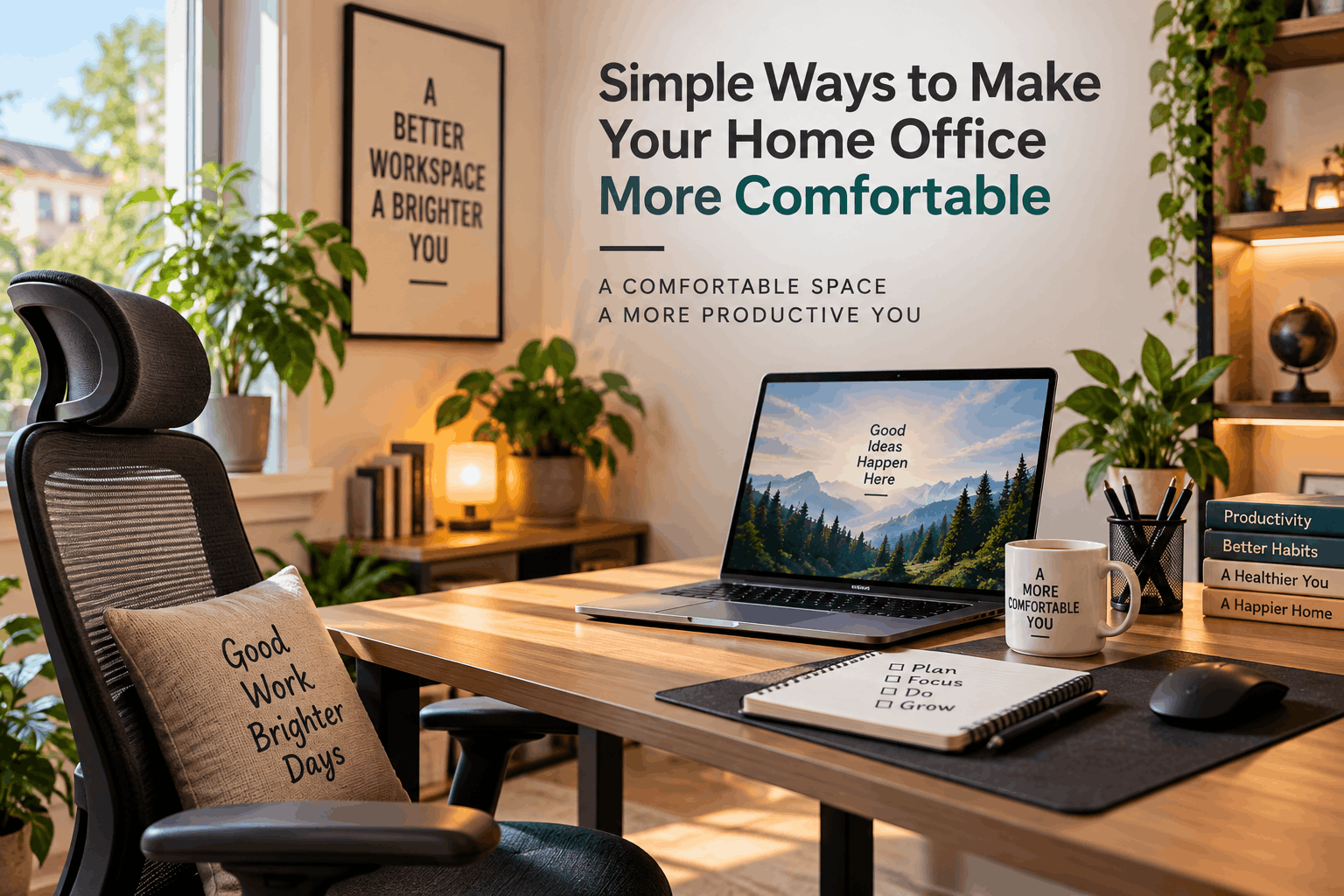
Working from home can be convenient, but spending several hours at the same desk can become uncomfortable if your workspace is not set up properly. A good home office does not necessarily require expensive furniture or a complete room makeover. Small changes to your desk, chair, lighting, and daily routine can make the space more comfortable and easier to work in.
Whether you work from home every day or occasionally use your home office, creating a comfortable environment can make a noticeable difference to your daily experience.
Your chair is one of the most important parts of a home office. If you spend several hours sitting at your desk, a chair that provides adequate support can make the workspace much more comfortable.
Ideally, your feet should rest comfortably on the floor while your back is supported by the chair. Your knees should be positioned comfortably rather than being forced too high or too low.
You do not necessarily need the most expensive office chair. What matters is whether the chair suits your body and allows you to maintain a comfortable working position.
A desk that is too high or too low can make your workspace uncomfortable. When typing, your arms should be able to rest naturally rather than forcing your shoulders upward.
Your monitor, keyboard, and mouse should also be positioned so that you can work without constantly leaning forward.
If your desk height cannot be adjusted, small changes to your chair position or the use of a suitable footrest can sometimes help create a more comfortable setup.
Your monitor should be positioned at a comfortable viewing distance. The top portion of the screen is generally best around eye level or slightly below it, depending on your posture and personal comfort.
Keeping the screen at an appropriate height can reduce the tendency to constantly bend your neck downward.
If you use a laptop as your primary computer, consider raising the screen and using a separate keyboard and mouse. This can make it easier to maintain a comfortable position while working.
Lighting has a major effect on how a workspace feels. A room that is too dark can feel tiring, while excessive glare can make it difficult to see your screen comfortably.
Natural light is often a good option during the day. If possible, position your desk near a window without placing the screen directly where sunlight creates strong reflections.
For evening work, use a desk lamp or another suitable light source to illuminate your workspace. The goal is to create balanced lighting rather than relying entirely on the brightness of your monitor.
A cluttered desk can make it harder to concentrate and can also reduce the amount of usable workspace.
Start by removing items you rarely use. Keep frequently needed objects within easy reach and find a consistent place for cables, notebooks, chargers, and other accessories.
You do not need a complicated organization system. Even a few simple habits can keep your workspace cleaner.
A tidy desk can also make it easier to begin work each day without spending time searching for basic items.
Your home office does not have to look like a traditional corporate workspace. Adding a few personal elements can make the room feel more welcoming.
A small plant, framed photograph, artwork, or decorative object can add personality without taking up much space.
However, avoid filling the desk with too many decorative items. The goal is to create a comfortable environment without sacrificing practical workspace.
Noise can be one of the biggest distractions when working from home. Household activity, traffic, television, or other sounds can make it difficult to concentrate.
If possible, choose a quieter area of your home for your workspace. Closing a door can sometimes make a significant difference.
For occasional background noise, headphones or soft ambient sounds may also help some people concentrate. However, the best solution depends on the environment and the type of work you are doing.
Cables can quickly turn an otherwise clean workspace into a tangled mess.
Group cables according to the devices you use and keep unnecessary wires away from your main working area. Simple cable clips, ties, or built-in desk management features can help keep everything organized.
A cleaner cable setup is not just about appearance. It can also make it easier to clean the desk and identify the correct cable when something needs to be unplugged.
Even a well-designed home office cannot make sitting in the same position for hours comfortable.
Regular breaks are important. Stand up, walk around the room, stretch, or simply look away from the screen for a few minutes.
Short breaks can also provide an opportunity to refill your water, open a window, or reset your workspace before returning to work.
Instead of waiting until you feel completely tired, make small breaks part of your normal working routine.
Think about the things you use most frequently during the workday. This might include a notebook, pen, water bottle, headphones, charger, or other everyday items.
Keeping these objects nearby can reduce unnecessary movement and prevent your desk from becoming cluttered with items you do not actually need.
At the same time, avoid keeping everything within arm’s reach. A workspace should remain practical rather than overloaded.
One challenge of working from home is that the boundaries between work and personal time can become unclear.
If possible, use a specific area for work and keep it associated with your working routine. At the end of the day, close your laptop, organize the desk, and put away work-related items.
Even a small physical separation can help create a clearer transition between working hours and personal time.
Temperature and ventilation can also influence how comfortable your home office feels.
A room that is too warm, too cold, or poorly ventilated can make it difficult to focus. Try to maintain a comfortable temperature and allow fresh air into the room when practical.
If your workspace has a window, opening it for a short period can improve airflow when outdoor conditions are suitable.
Creating a comfortable home office does not require a major investment. Start with the basics: a supportive chair, a suitable desk position, a properly placed monitor, good lighting, and a reasonably organized workspace.
After that, pay attention to the small details that affect your daily routine. Cable management, noise, room temperature, personal touches, and regular breaks can all contribute to a better working environment.
The best home office is not necessarily the most expensive or stylish one. It is the space that allows you to work comfortably, stay organized, and maintain a healthy separation between work and everyday life.




