
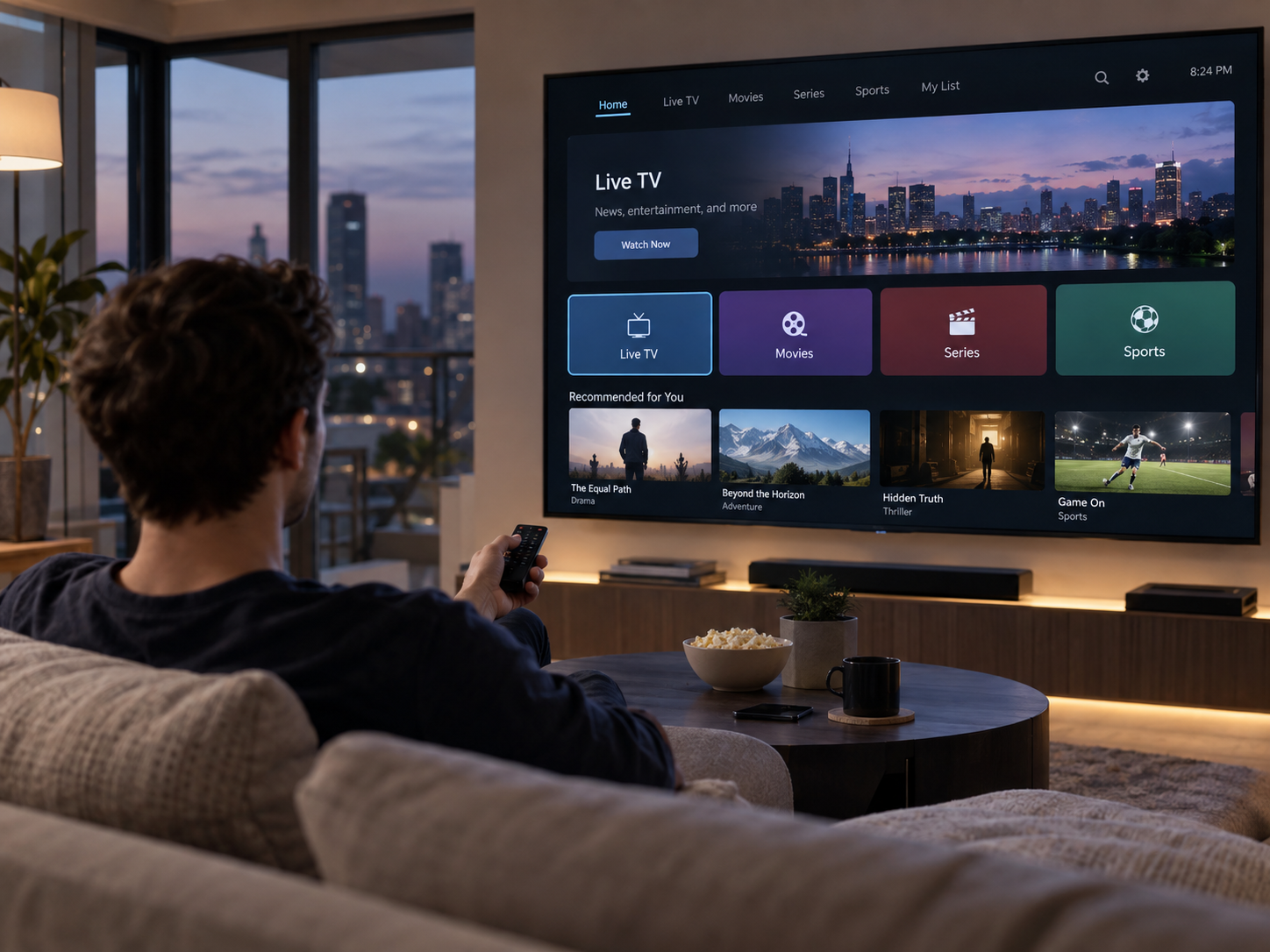

Smart TVs are designed to do more than display programmes and films. Many models run applications, connect to online services, synchronise accounts, receive notifications, and update software even when nobody is actively watching. Some of these activities require an internet connection, which means a television can use data while it appears to be idle.
This activity is commonly known as background data usage. Understanding what causes it can help households manage their internet consumption, especially when several connected devices share the same network or the household has a limited data allowance.
What Happens When a Smart TV App Runs in the Background?
Background data usage occurs when an application transfers information over the internet without being actively opened or used by the viewer. For example, a streaming app may refresh its content catalogue, check for updates, synchronise account information, or retrieve recommendations while the television is switched on but displaying another screen.
The amount of data consumption associated with these activities depends on the application, television settings, and the type of information being transferred. A simple account synchronisation may use very little data, while downloading updates or preview content can require considerably more.
Not every application behaves in the same way. Some stop most network activity when they are closed, while others continue performing selected background tasks to keep their information current.
Common Reasons Smart TV Applications Use Background Data
Several routine activities can generate internet traffic even when a viewer is not watching content. Knowing what these processes do makes it easier to distinguish normal application behaviour from unnecessary data use.
Automatic Application Updates
Many smart TVs can automatically download updates for installed applications. These updates may include security improvements, bug fixes, performance changes, and new features.
Although automatic updates reduce the need for manual maintenance, they can consume data without direct user involvement. Larger updates may be noticeable on connections with monthly limits, particularly when several applications update around the same time.
Some televisions allow users to choose whether updates should be automatic or manual. Reviewing this option can help households decide when applications download new versions.
Content Recommendations and Catalogue Refreshes
Streaming applications frequently refresh their homepages to display recently added programmes, popular titles, and personalised recommendations. They may also synchronise viewing progress and update information about saved content.
These exchanges generally involve small amounts of information rather than full video streams. However, repeated activity across several applications can contribute to overall network usage.
Video Previews and Automatic Playback
Some entertainment platforms automatically play short previews when users browse their menus. Depending on the application and its settings, previews may begin downloading before the viewer selects a programme.
In certain cases, content can load while another menu is being explored. Disabling autoplay or reducing preview activity, where those controls are available, may help reduce unnecessary transfers.
Account Synchronisation and Notifications
Applications may periodically communicate with online servers to confirm account information, update watchlists, or deliver notifications. These activities help keep information consistent across televisions, phones, tablets, and other connected devices.
The data involved is usually limited, but the frequency of these connections can vary between services.
Does Background Data Usage Continue When the TV Is Off?
The answer depends on what the manufacturer means by switched off and how the television is configured.
When a smart TV is placed in standby mode, some internal components may remain active. Certain models support automatic updates, scheduled maintenance, network wake-up features, or other connected functions while the screen is not in use.
A television that is completely disconnected from power cannot continue ordinary internet communication. However, a device in standby mode may still perform selected background operations.
Users should check the manufacturer’s documentation to understand which connected features remain active during standby. Settings such as automatic updates, network standby, and scheduled downloads can affect how much activity takes place outside normal viewing hours.
How to Check Which Applications Are Using Data
Smart TVs do not always provide detailed information about data usage for individual applications. Some models include network statistics or application management tools, while others offer only basic connection information.
A practical starting point is to review the television’s network and application settings. Look for options relating to data usage, background activity, automatic updates, and network permissions. The exact names and locations of these settings vary by manufacturer and operating system.
If the television does not provide an application-level breakdown, a router may offer more detailed network monitoring. Some routers display connected devices and their approximate data usage, making it easier to identify whether the television is generating significant traffic.
For more advanced monitoring, network management tools may help distinguish between general background activity and larger downloads. However, the level of detail depends on the router and the services it supports.
Practical Ways to Reduce Background Data Usage
Households do not necessarily need to disable every background feature. Some processes improve security, keep applications compatible, and make content easier to access. A better approach is to review which activities are useful and limit those that are unnecessary.
Manage Automatic Updates
Check whether the television allows manual application updates or scheduled downloads. Choosing a convenient update time can prevent several applications from downloading large files during periods when the network is needed for other activities.
However, application and security updates should not be ignored indefinitely. Keeping software current helps maintain compatibility and address known problems.
Disable Unnecessary Autoplay Features
Review the settings of individual streaming applications. Where available, turn off automatic previews, background video playback, or continuous content previews if these features are not useful.
This is particularly helpful for households that frequently leave the television on a content browsing screen.
Review Applications That Are No Longer Needed
Unused applications may still receive updates or perform occasional background checks. Removing applications that are no longer required can reduce unnecessary activity and simplify the television’s software environment.
Before uninstalling an app, users should consider whether it stores account information or preferences that may be needed later.
Check Network and Standby Settings
Look for options that allow the television to remain connected while in standby mode. Features designed for remote control access or automatic updates may be convenient, but not every household needs them.
Changing these settings can reduce some background activity. Users should understand the effect of each option before disabling it, as certain connected features may stop working.
Can Background Data Usage Affect Internet Performance?
Background activity usually requires far less bandwidth than high-quality video streaming. Even so, several simultaneous downloads or updates can compete with other devices for available network capacity.
This may become noticeable on slower connections or during busy periods when multiple people are streaming, gaming, or working online. For example, a large television software update could temporarily use bandwidth that another household member needs for a video call.
The effect depends on the internet connection, network equipment, download size, and number of connected devices. Router features such as traffic prioritisation may help manage competing activities, although results vary by equipment and configuration.
Conclusion
Background data usage is a normal part of how many smart TV applications operate. Automatic updates, content recommendations, account synchronisation, previews, and standby functions can all generate network activity without direct viewer interaction.
Households can manage this activity by reviewing application settings, controlling autoplay, removing unused apps, and checking how their television behaves in standby mode. Monitoring tools provided by the television or router can also help identify unusually high usage.
The aim is not to eliminate every background process but to balance convenience, software maintenance, and internet data limits. With a few informed adjustments, users can keep their smart TVs functioning properly while avoiding unnecessary network activity.